ClipPDF
MOBILE DOCUMENT SCANNER
Clip PDF is your toolkit for PDFs: view, edit, convert, merge and protect documents – as an app on iPhone and Android, or right here in your browser with no upload. Processing runs locally on your device.


Free and no upload. Your files never leave the browser — everything runs locally on your device.
Every tool on this page runs entirely in your browser: PDF processing is handled by JavaScript libraries such as pdf.js and pdf-lib right on your device. Your files are never uploaded, there is no account and no queue – open a tool, pick your file and download the result. Ideal when you are on the go or simply don't want to install anything.
Combine several documents into one, break large files into separate parts, or reorder and remove pages – these tools take care of your PDF's structure without touching its content.
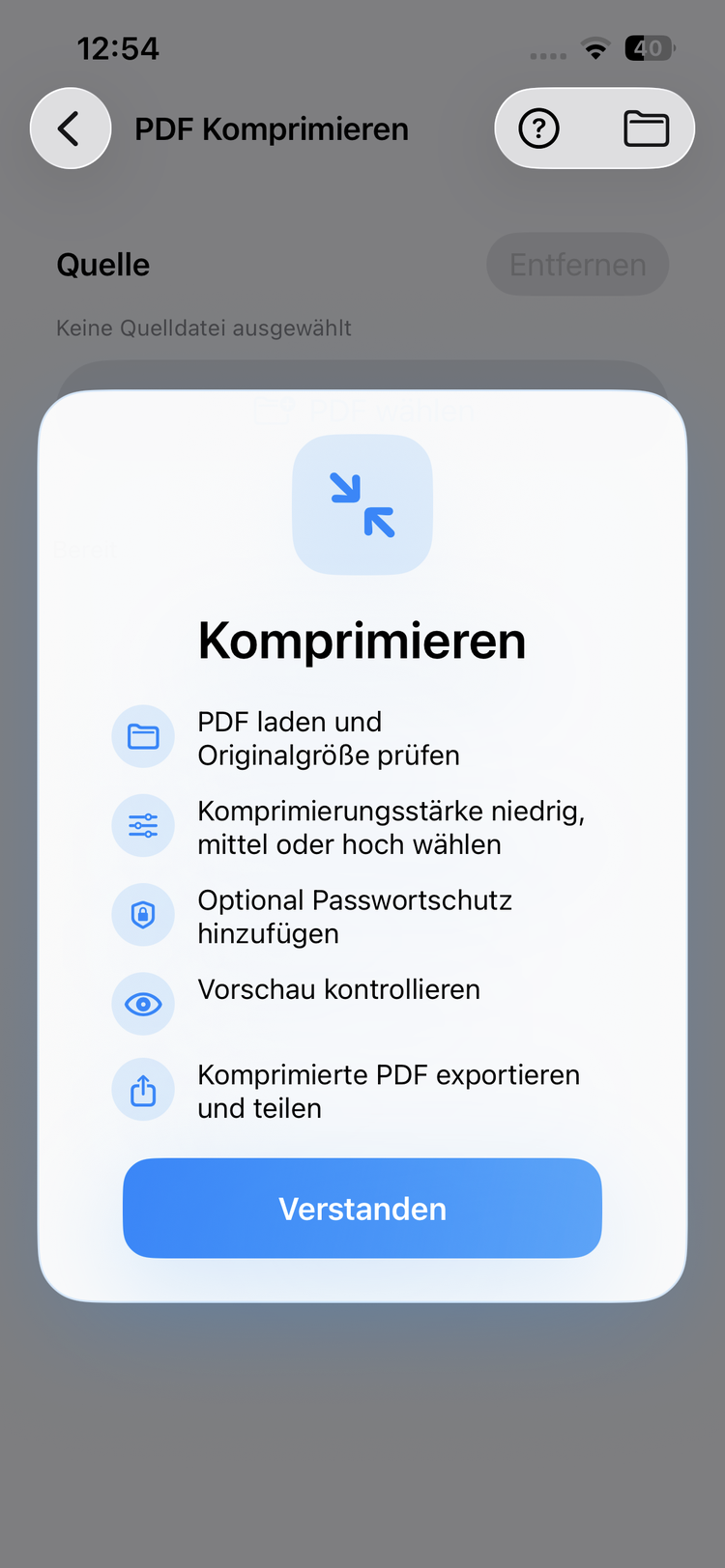
Turn PDF pages into JPG images (and back) or reduce the file size for sending by e-mail. You decide how much compression is applied – and you see the result before downloading.
Open PDFs right in the browser with search, zoom and printing, add text, shapes or notes, and knock documents into shape – no desktop software required.
Password-protect confidential documents, lay a watermark over every page, or place your hand-drawn signature – everything stays local, your documents never leave your device.
Scanned documents only contain images. OCR text recognition turns them into searchable, copyable text – recognition runs completely in your browser via Tesseract.js.
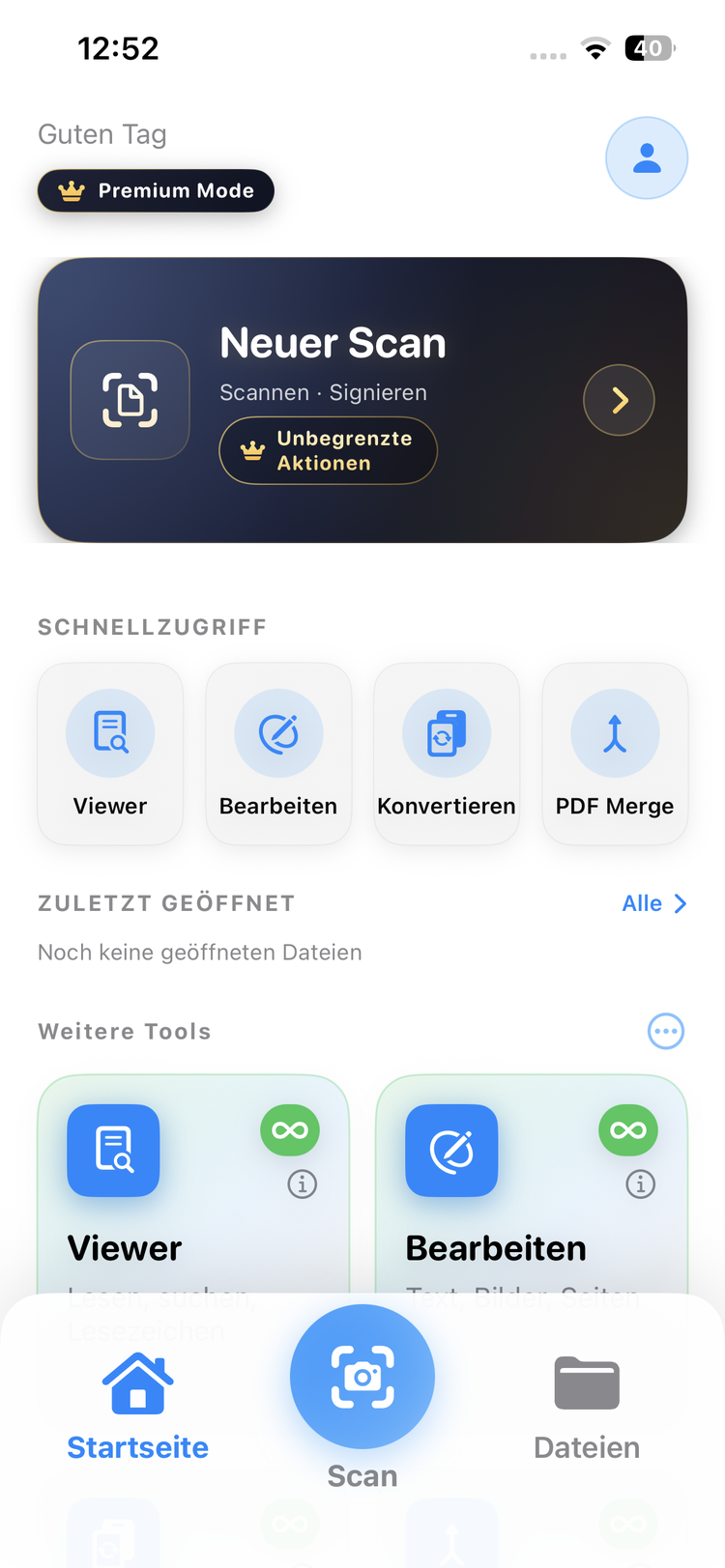
The clear home screen gives you access to all PDF tools: Viewer, Editor, Convert, Merge, Split and Security.
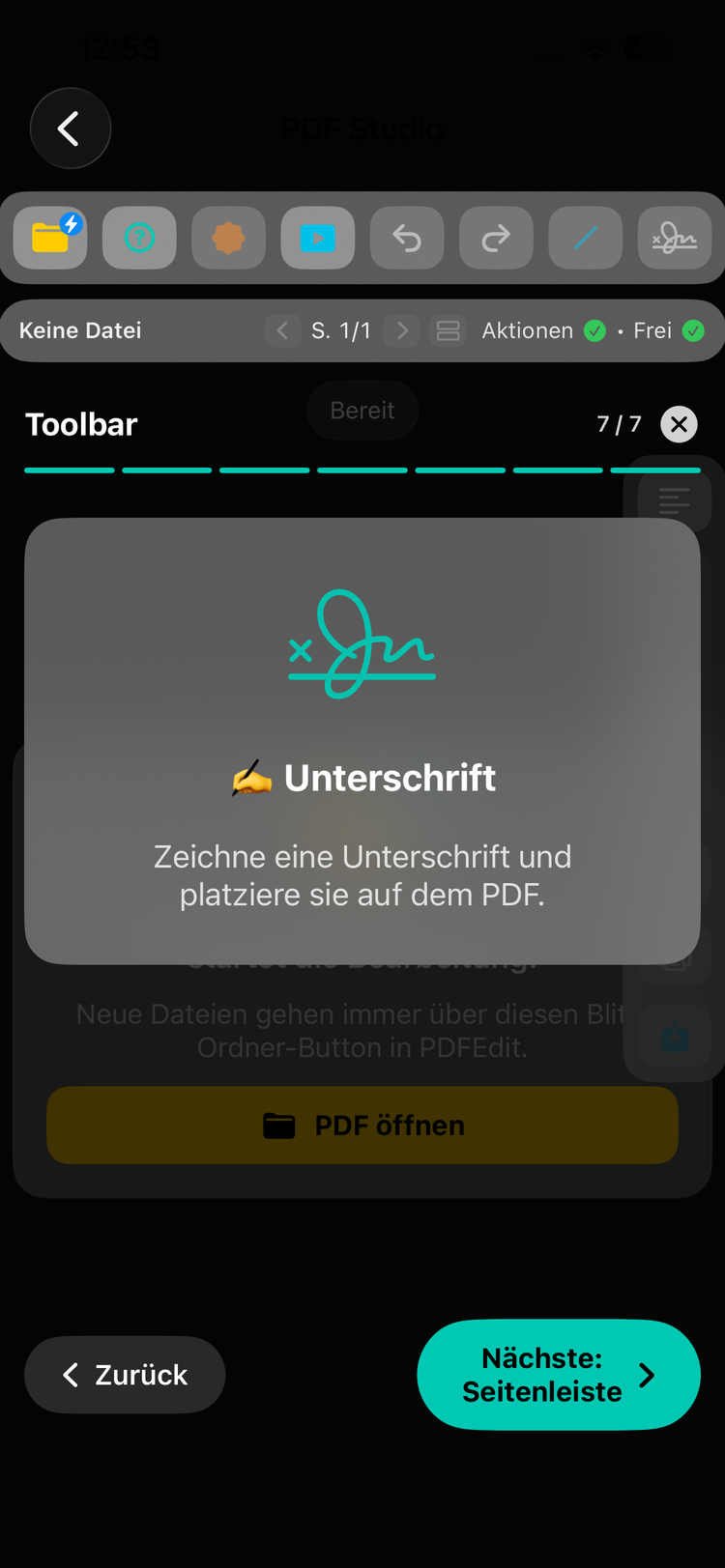
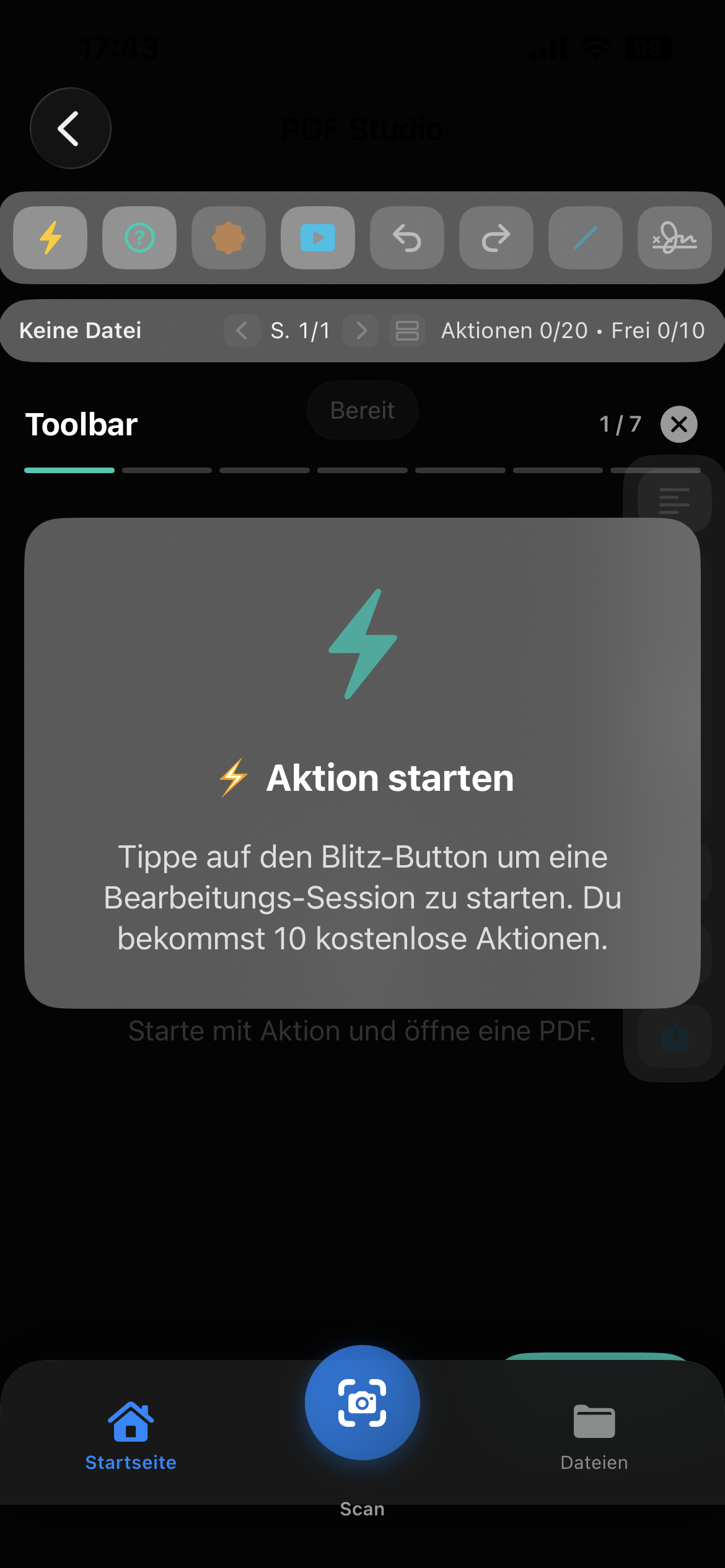
Edit text, images and pages directly in your PDFs. Start an editing session and use the comprehensive toolbar.
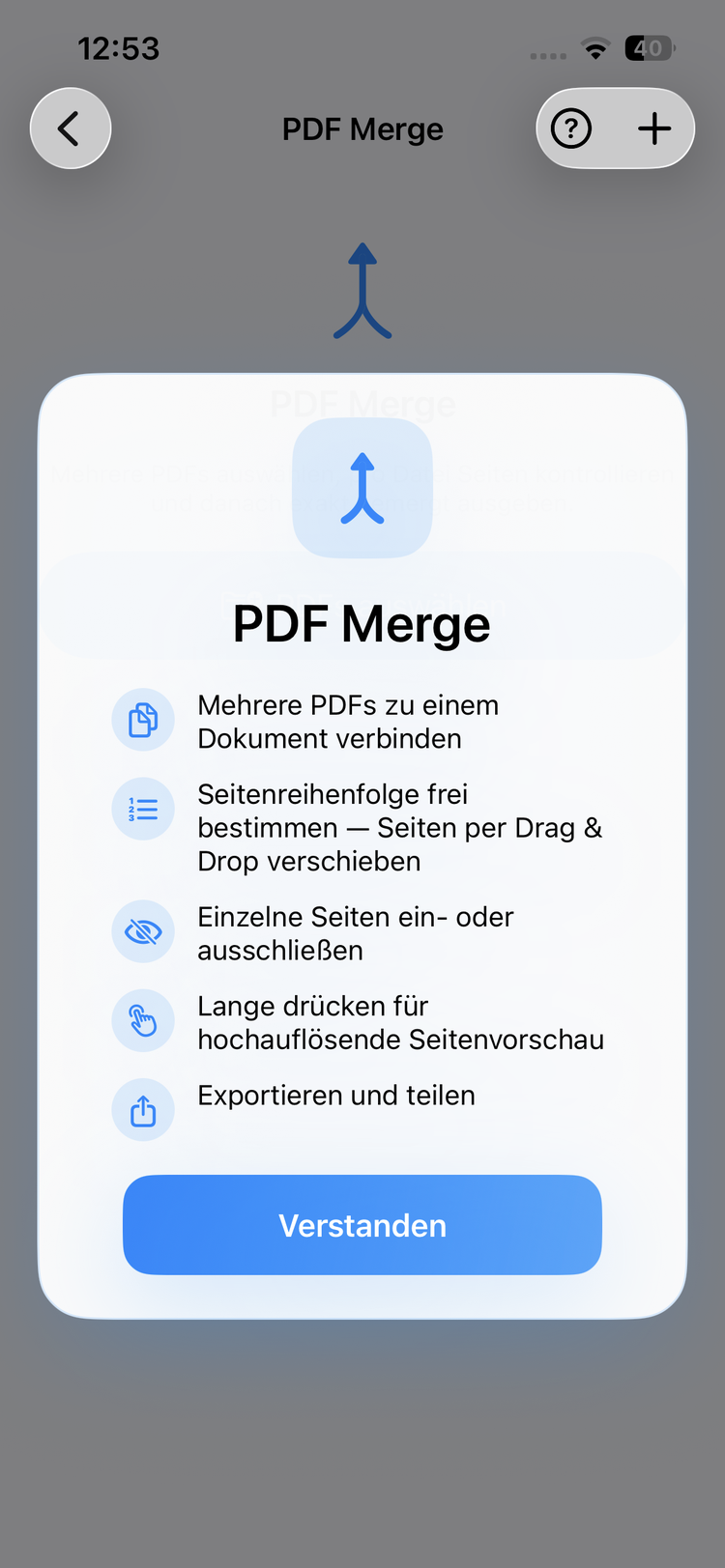
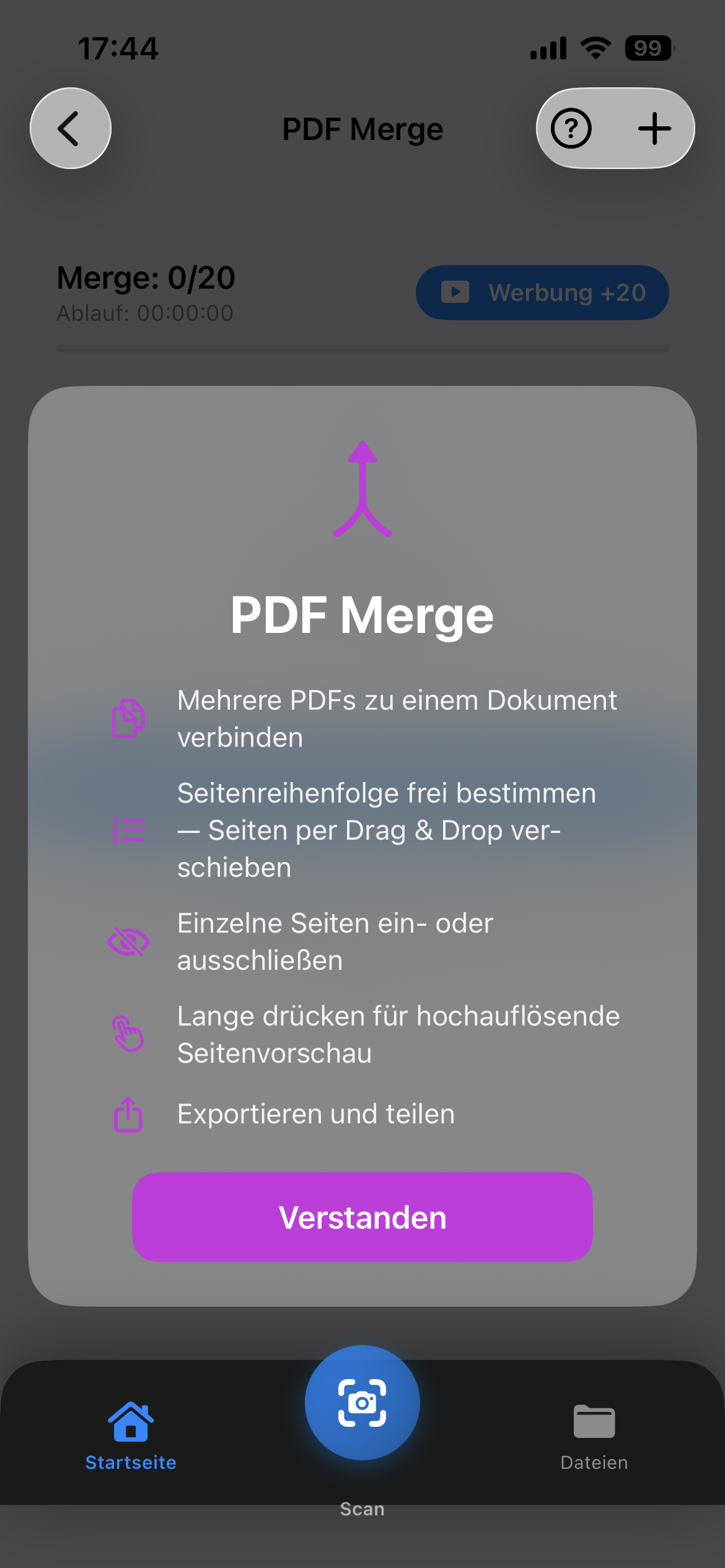
Combine multiple PDFs into one document. Reorder pages via drag & drop, include or exclude individual pages.
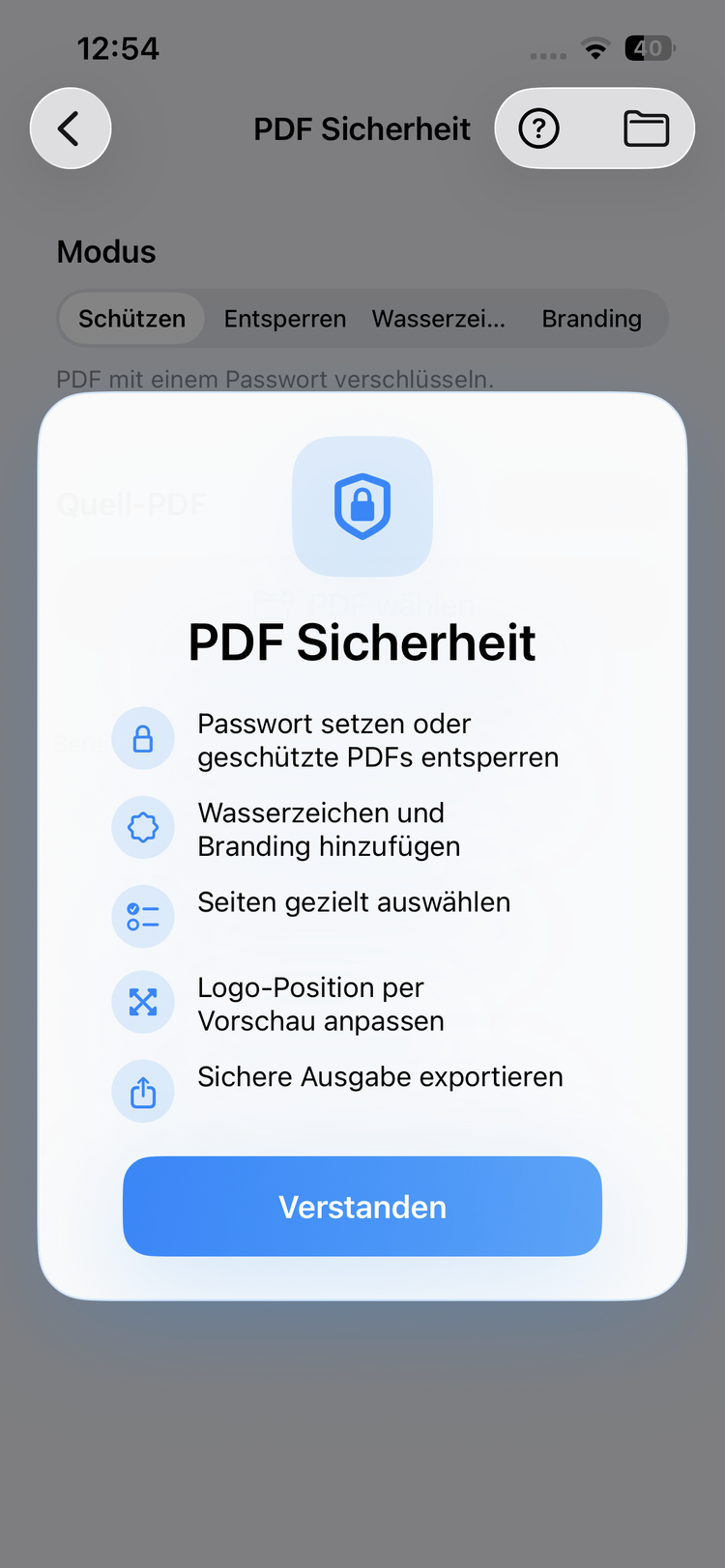
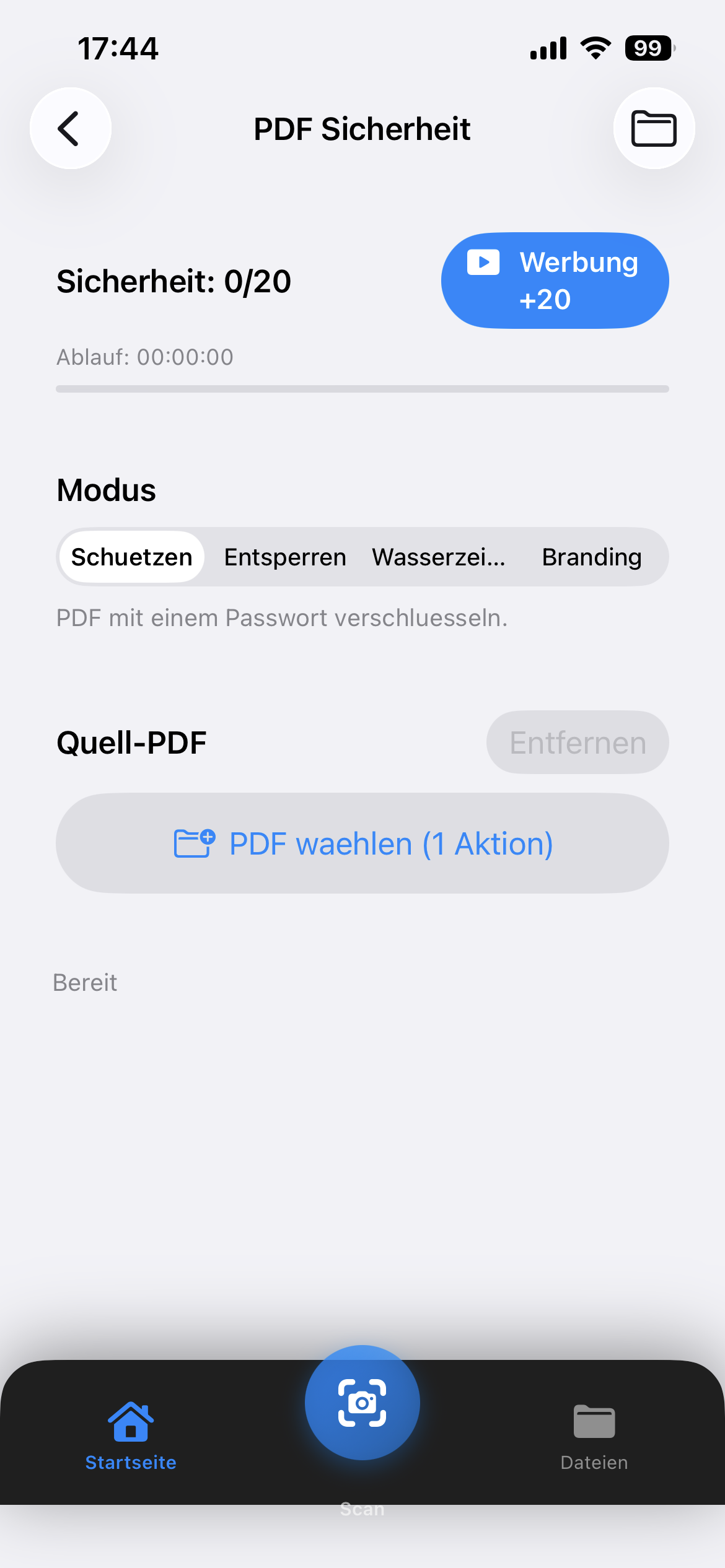
Protect your PDFs with passwords, unlock protected files, add watermarks or branding.
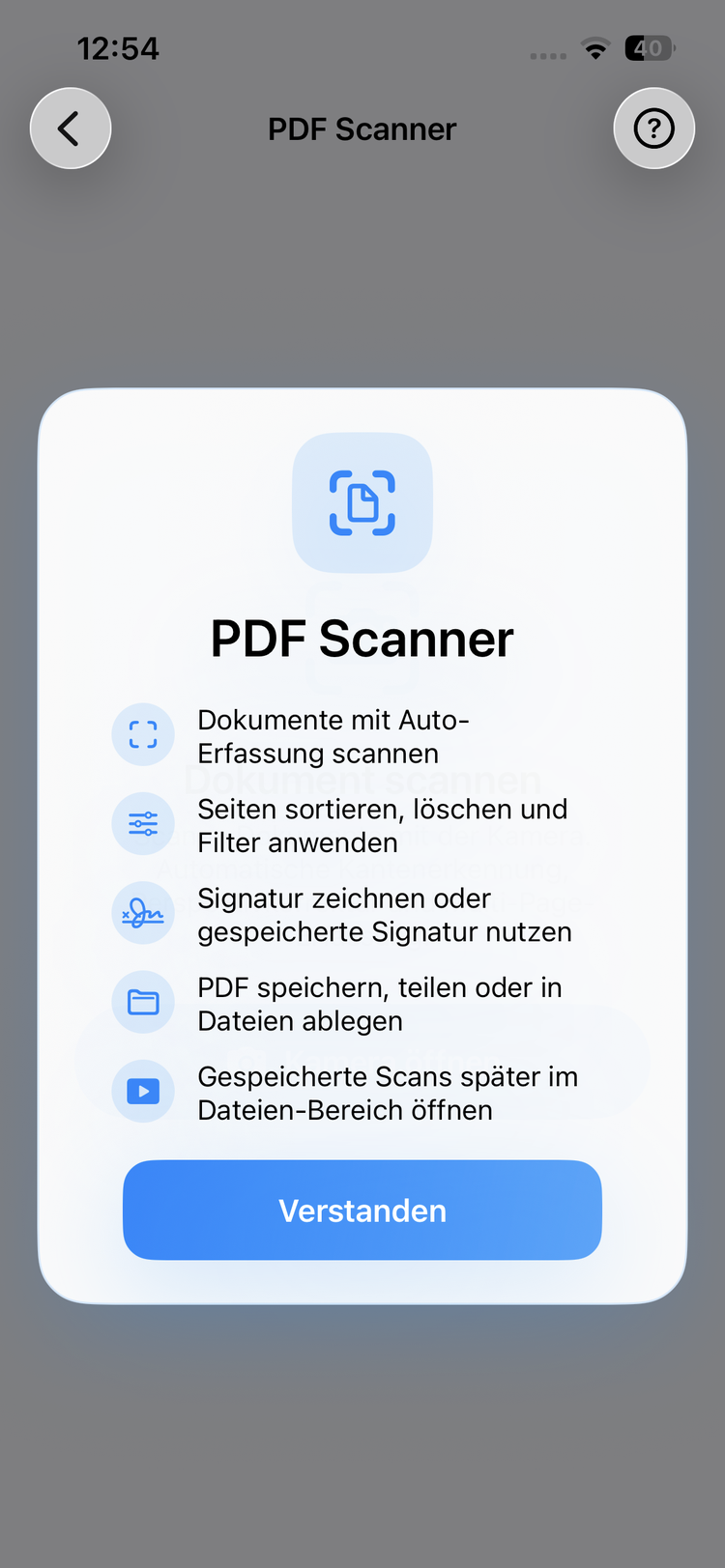
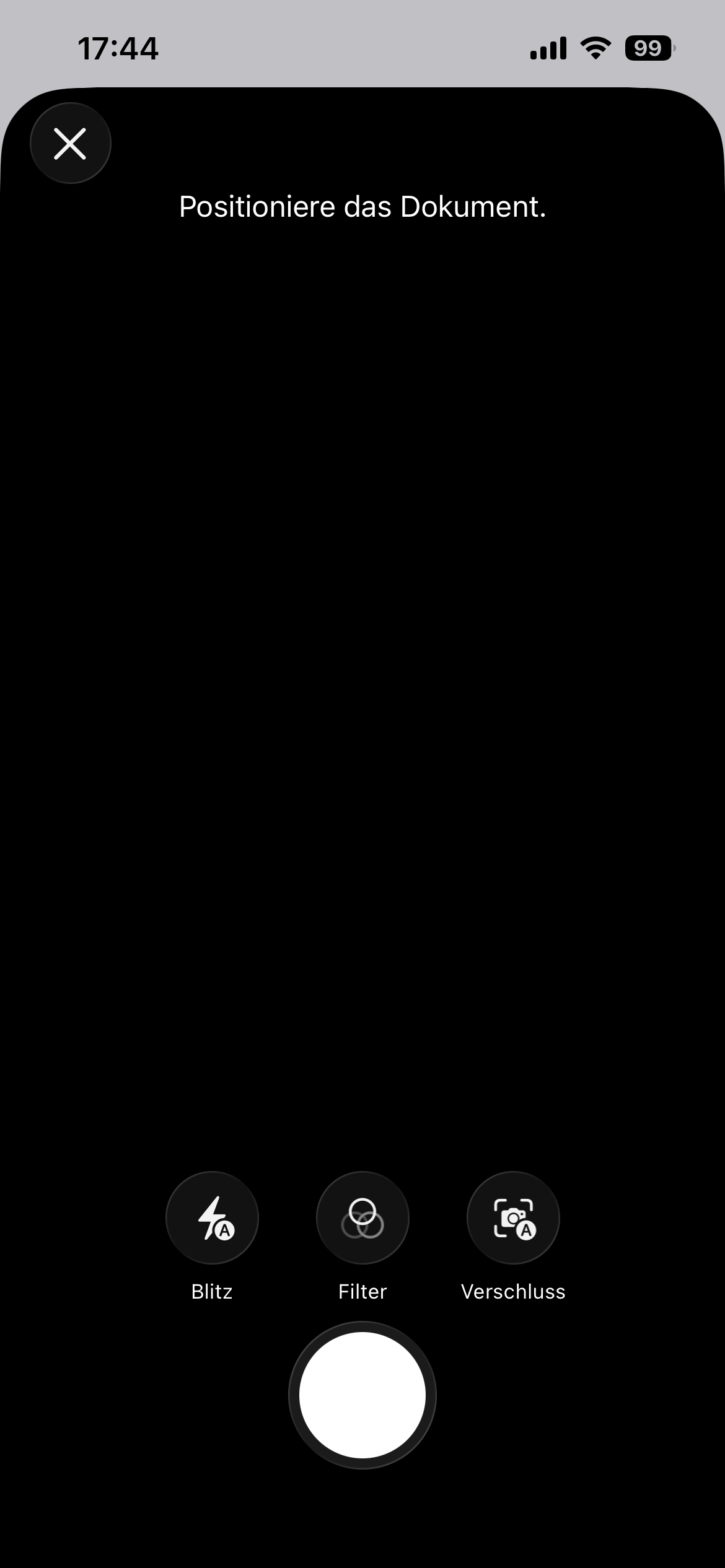
Scan documents with your camera and create clean PDFs instantly. With flash, filters and automatic detection.
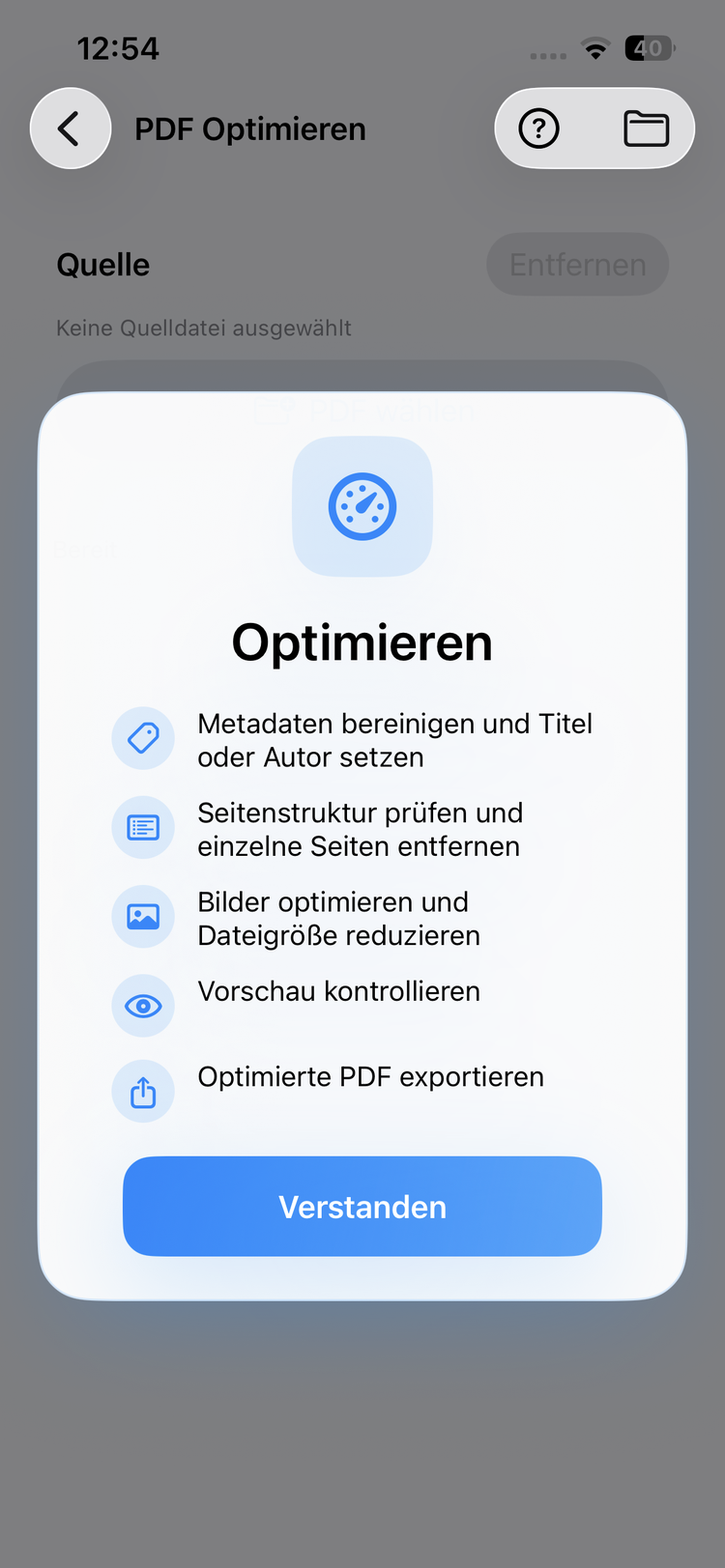
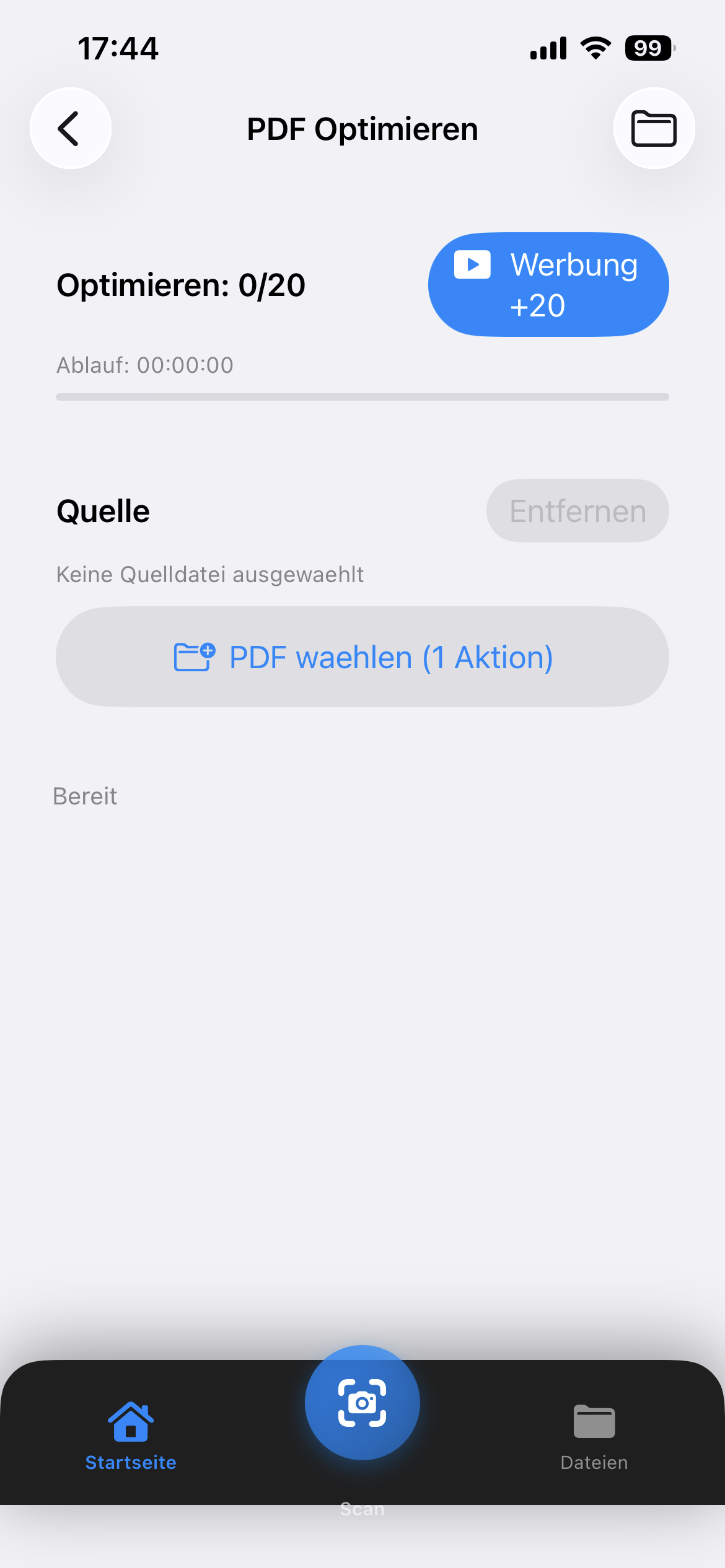
Optimize PDFs for web, print or archival. Improve structure and remove unnecessary data.
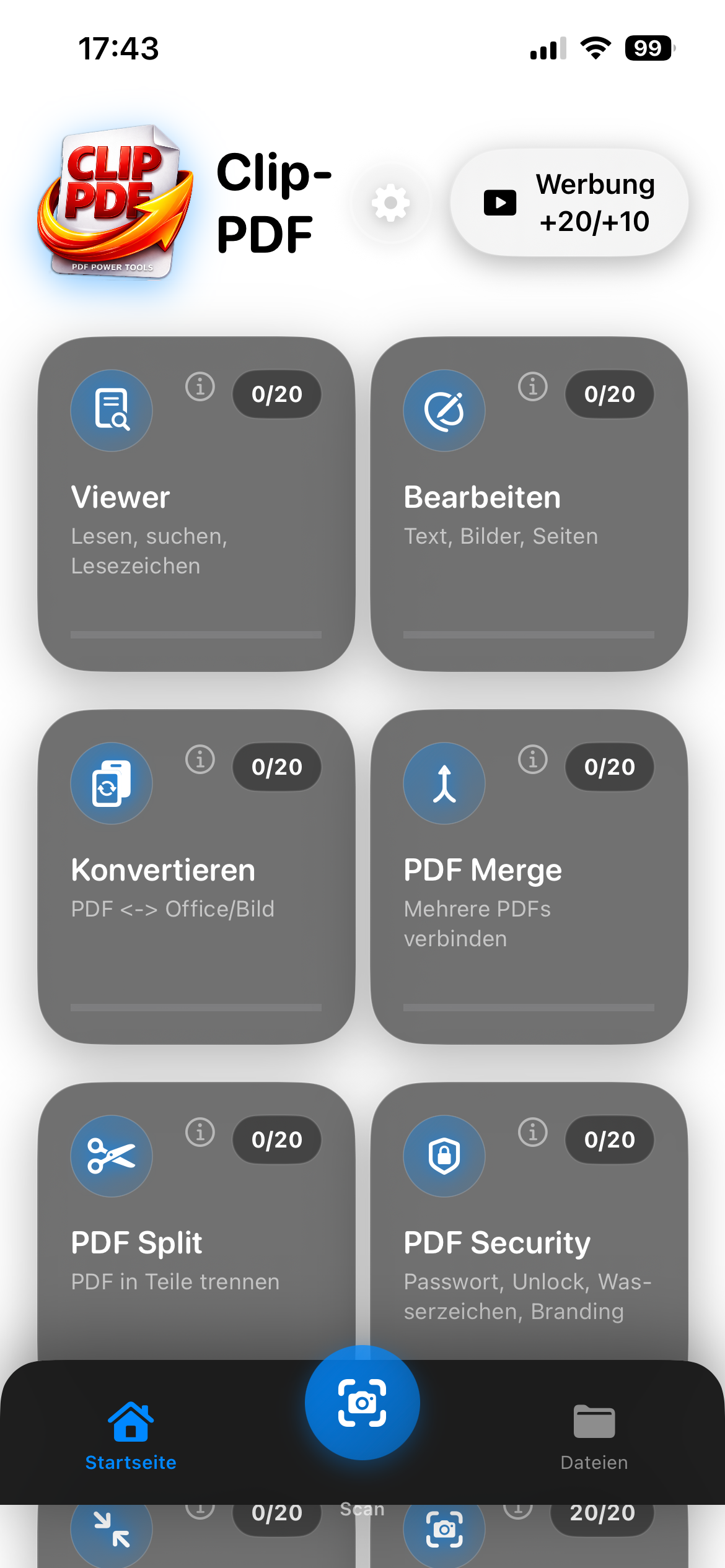
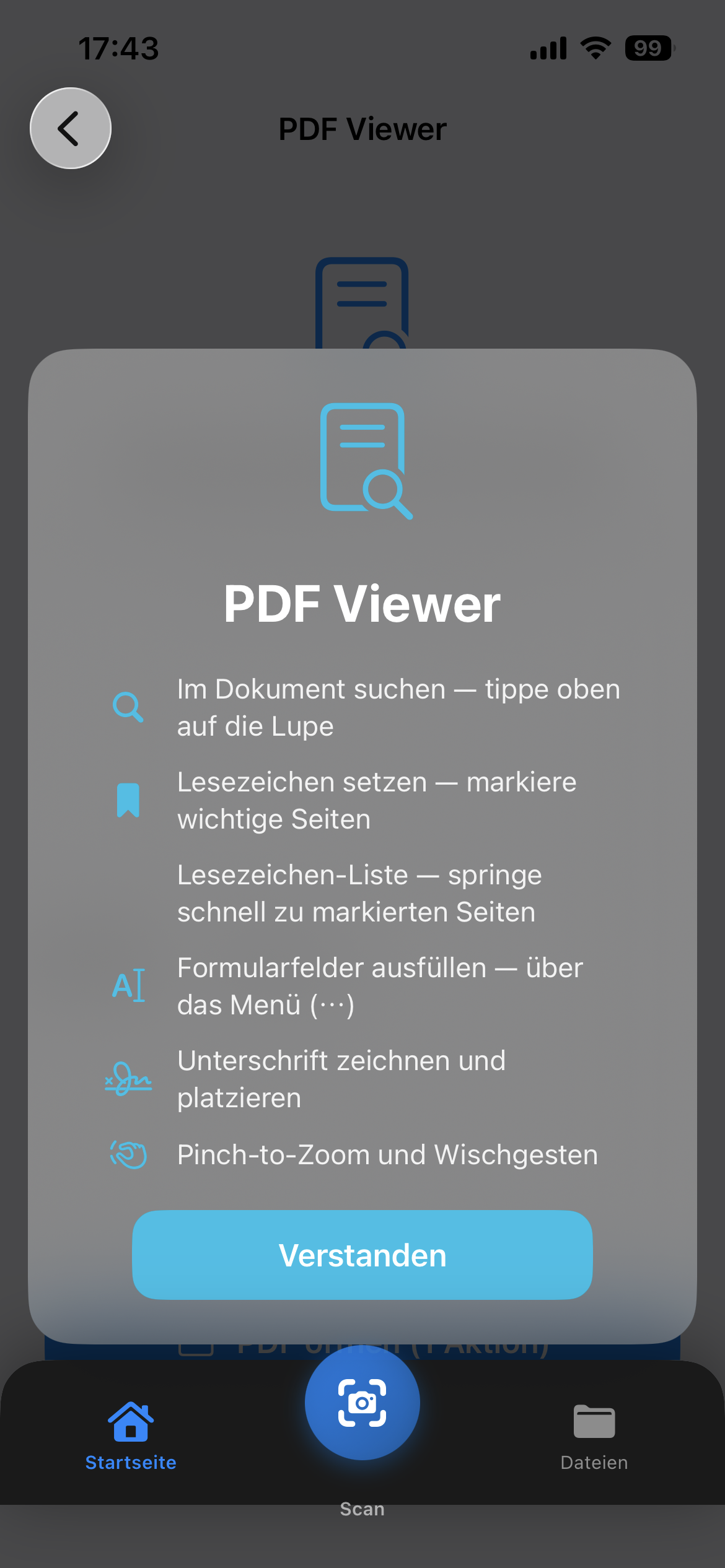
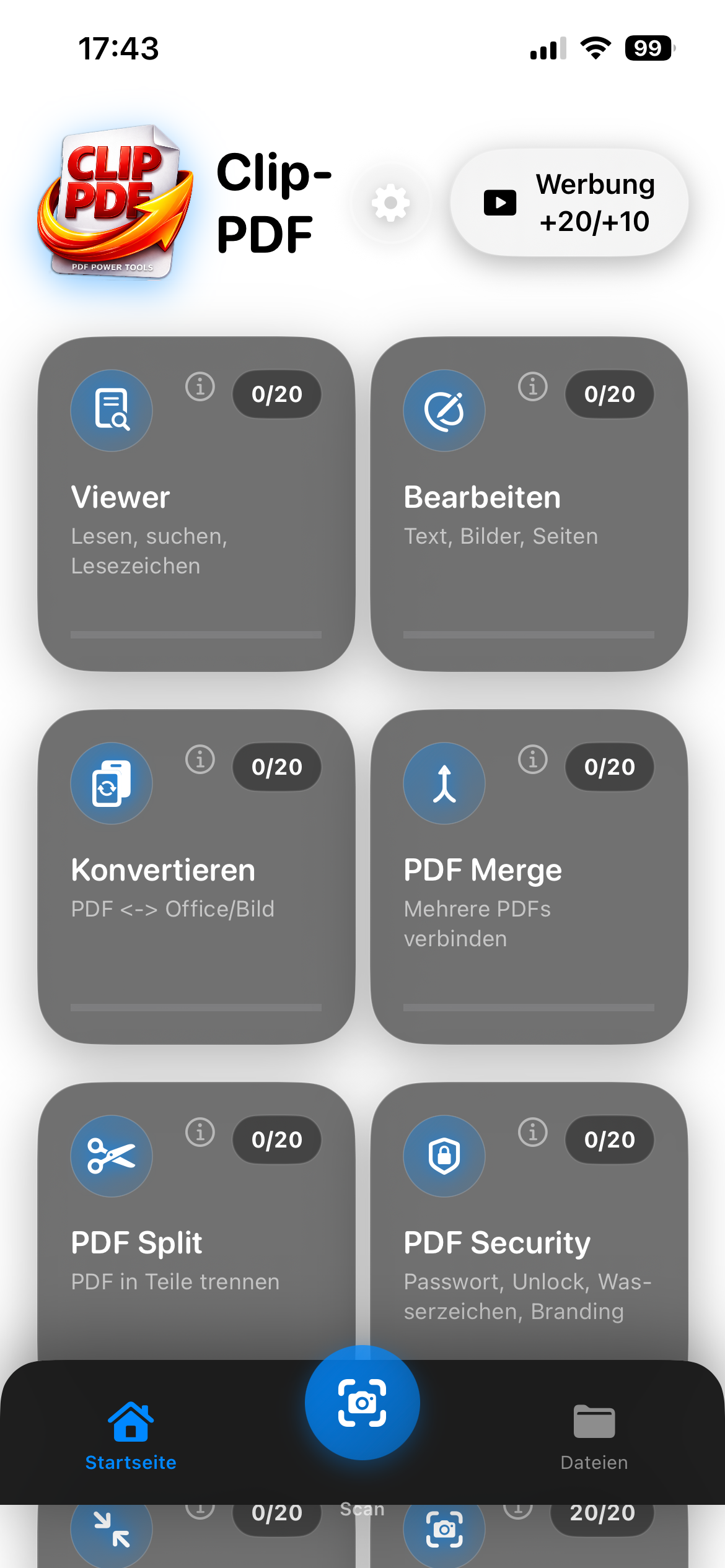
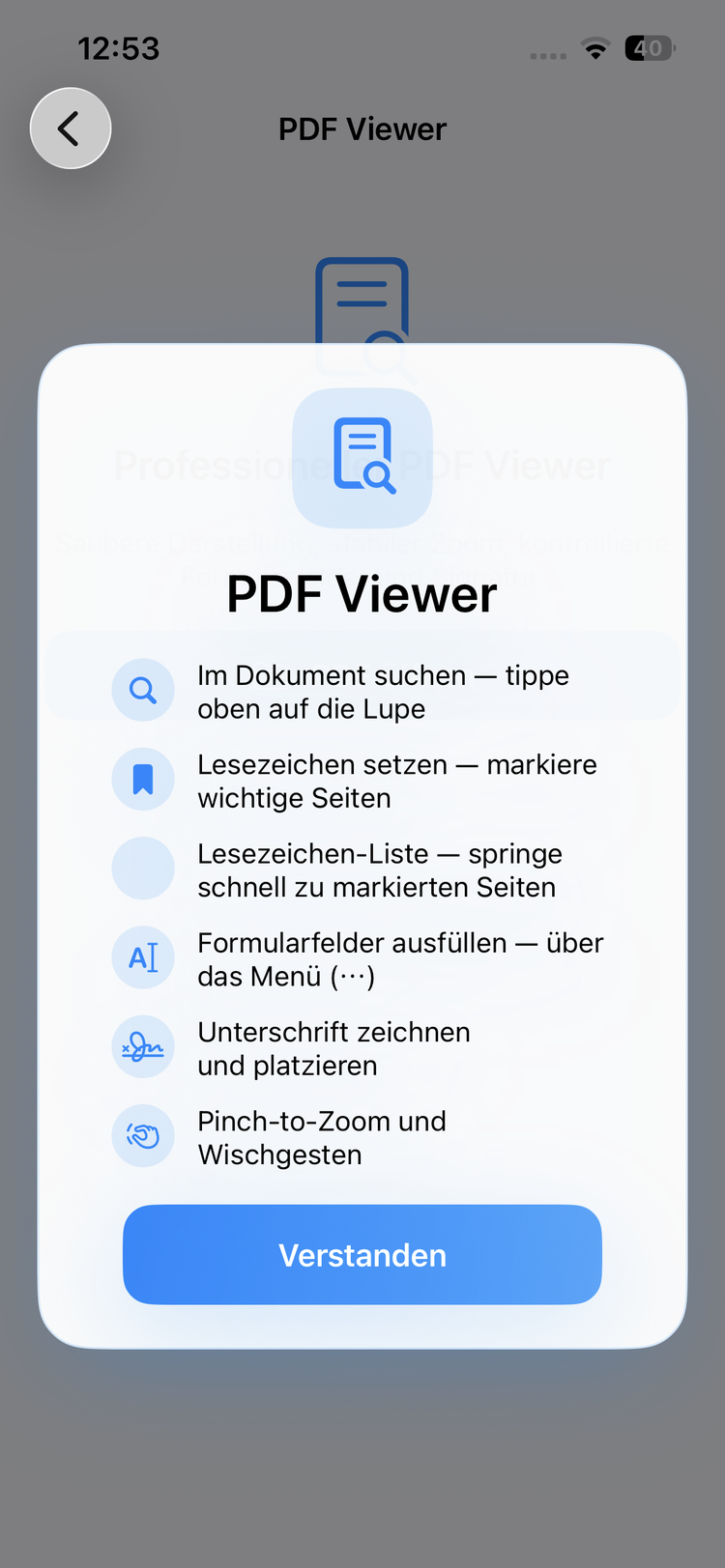
Open and read PDFs comfortably. Search documents, set bookmarks, fill forms and sign directly in the app.
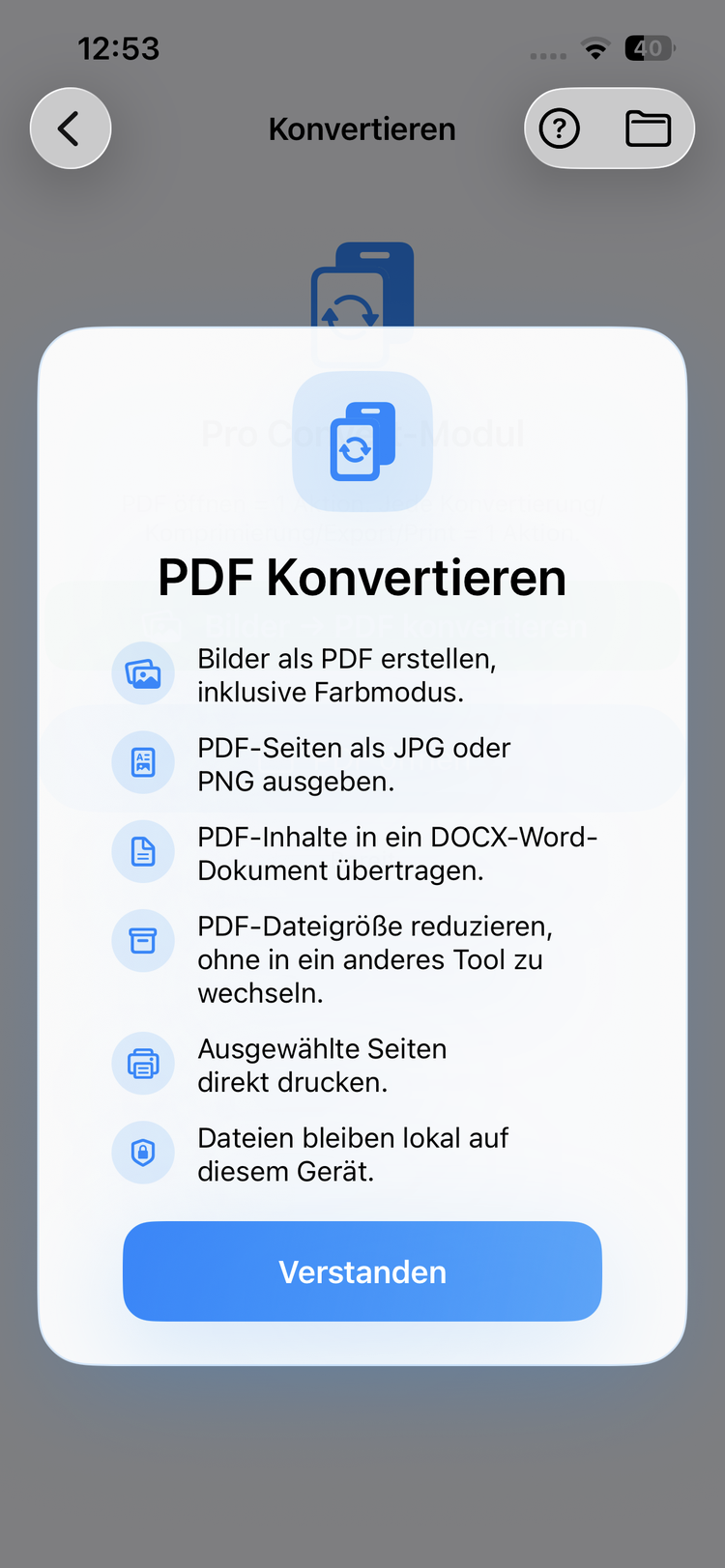
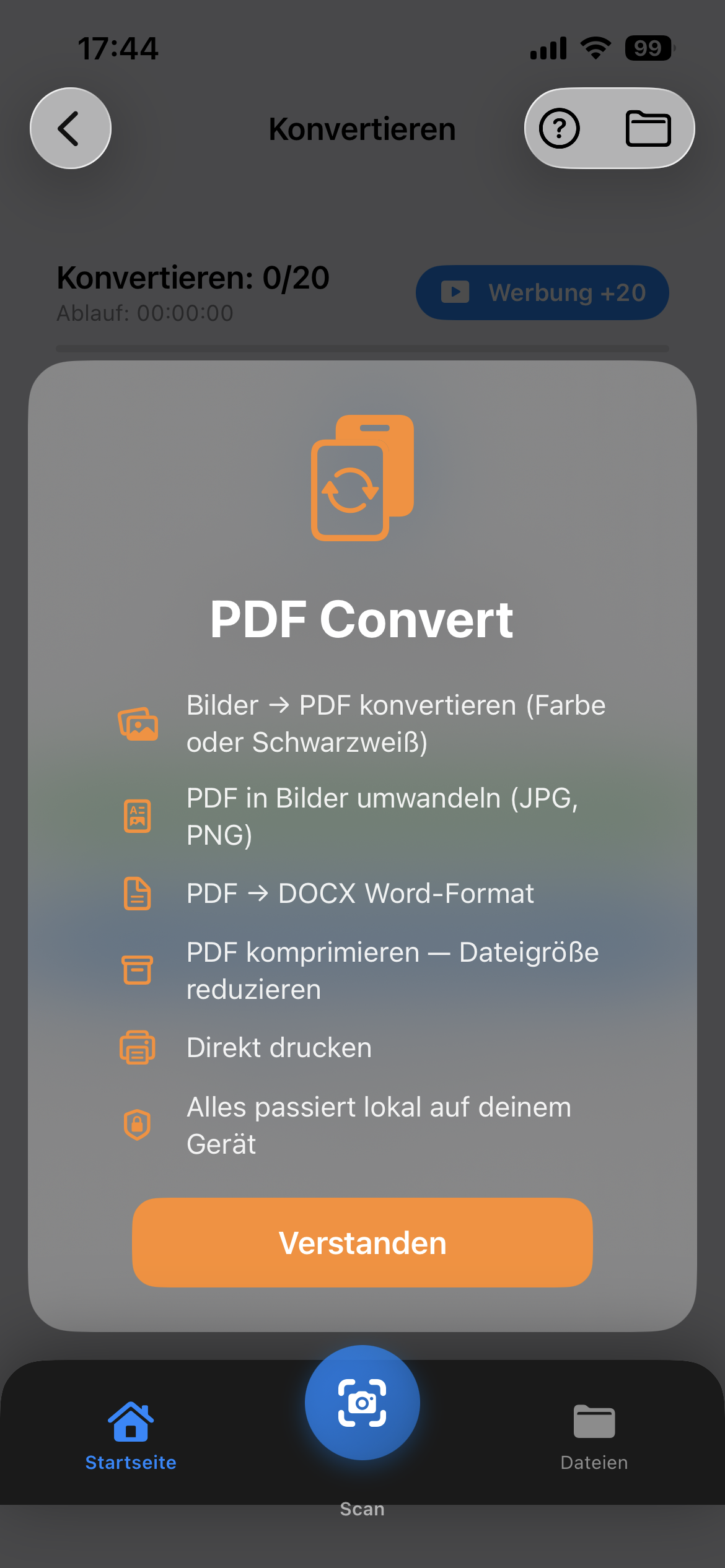
Convert PDFs to images, Word documents or vice versa. Compress PDFs and print directly – all locally on your device.
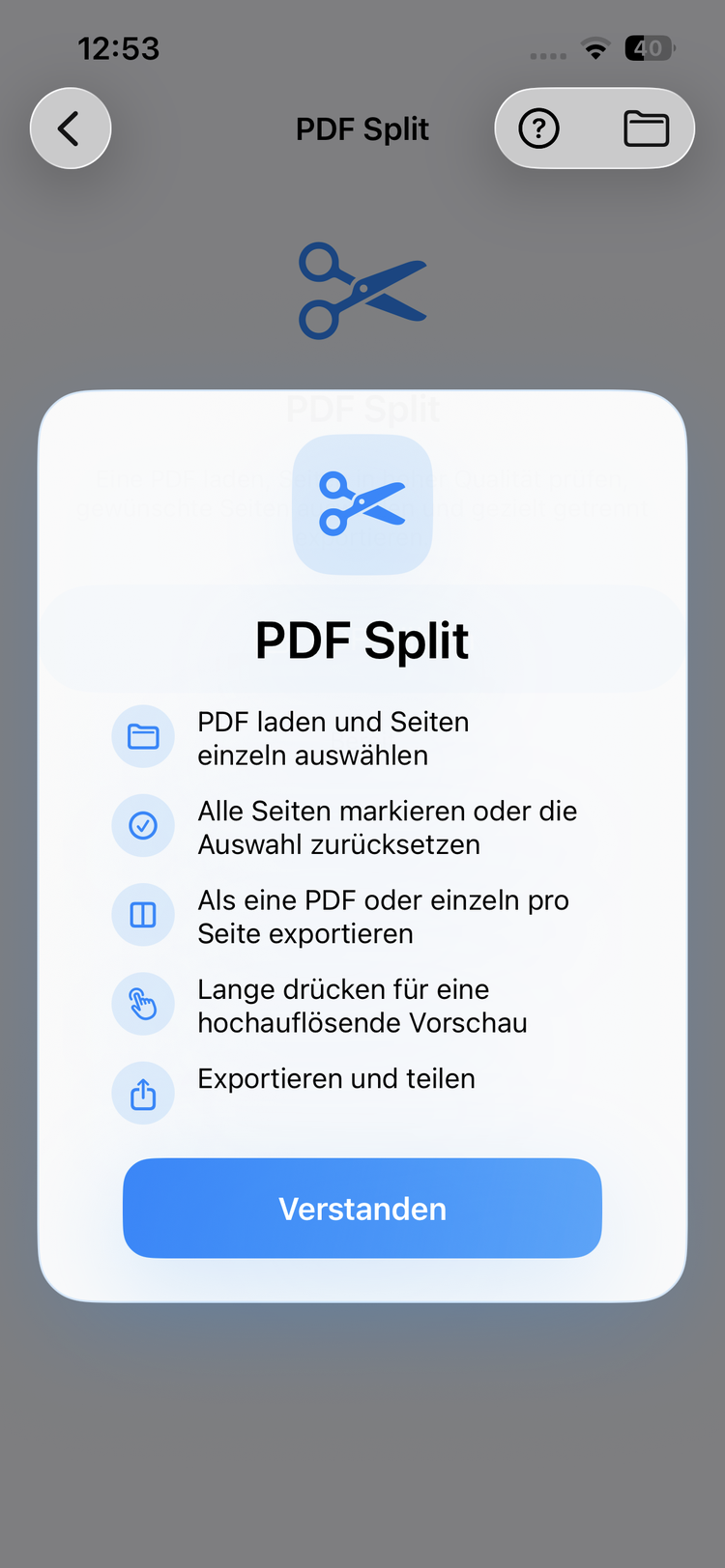
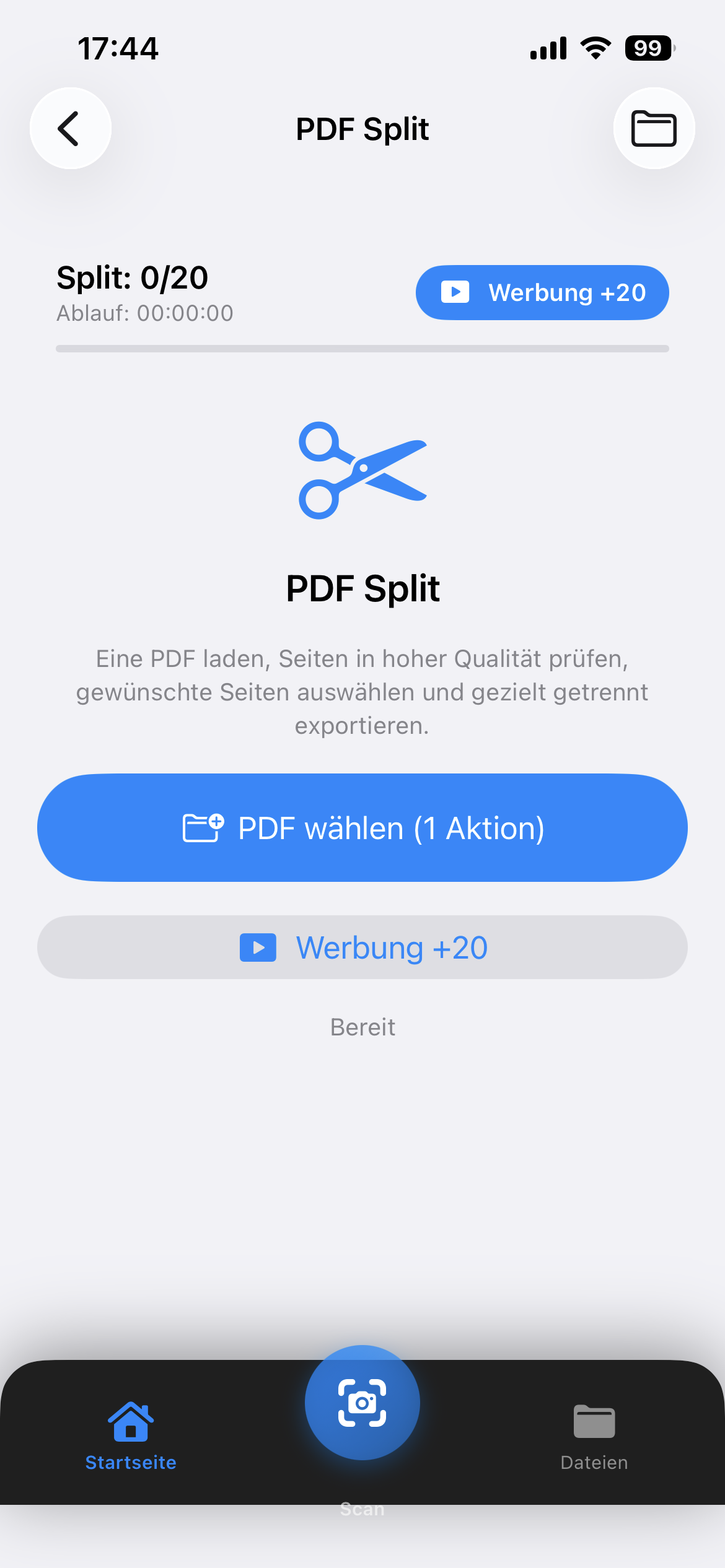
Split large PDFs into smaller documents. Select specific pages and export them separately.
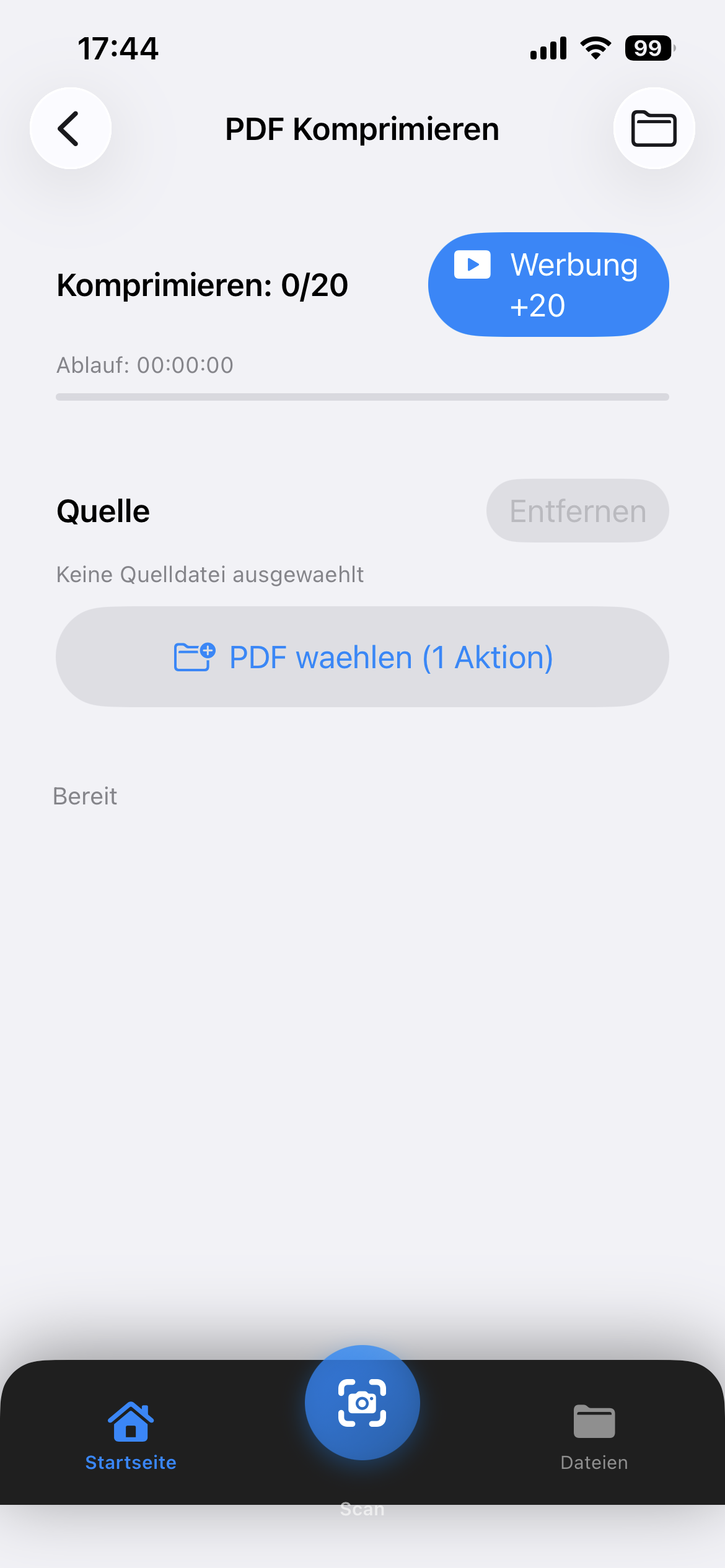
Reduce the file size of your PDFs without visible quality loss. Perfect for email attachments and cloud uploads.
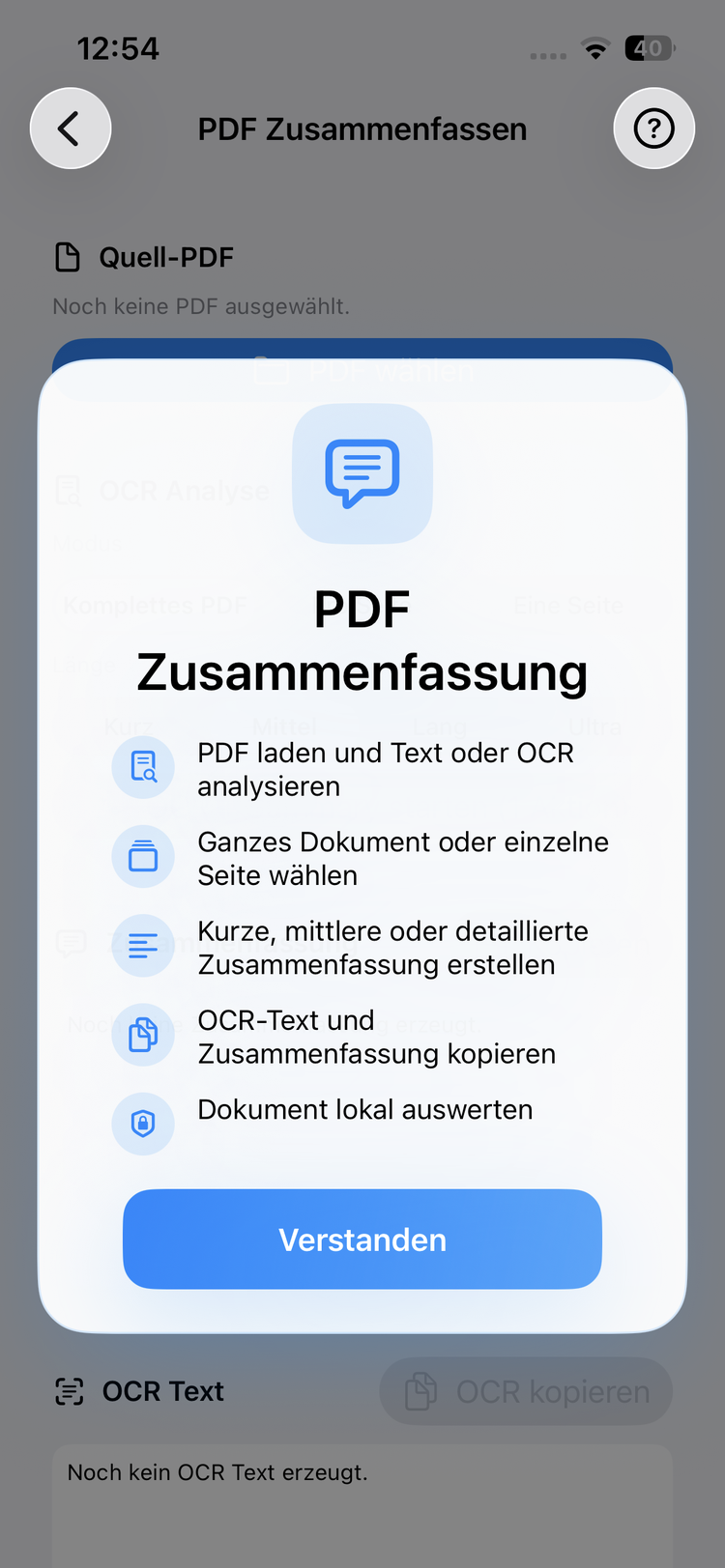
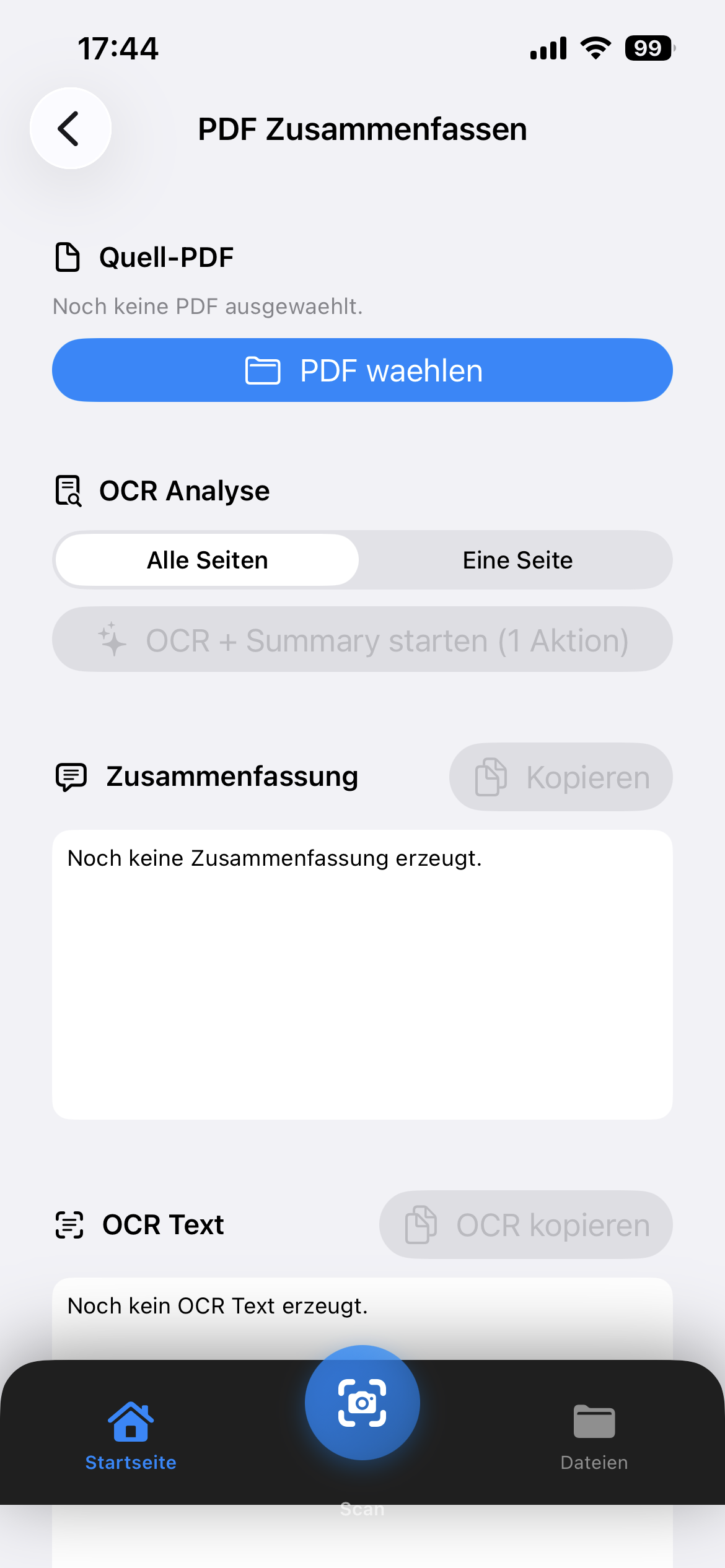
Extract text via OCR from scanned PDFs and let AI automatically summarize your documents.
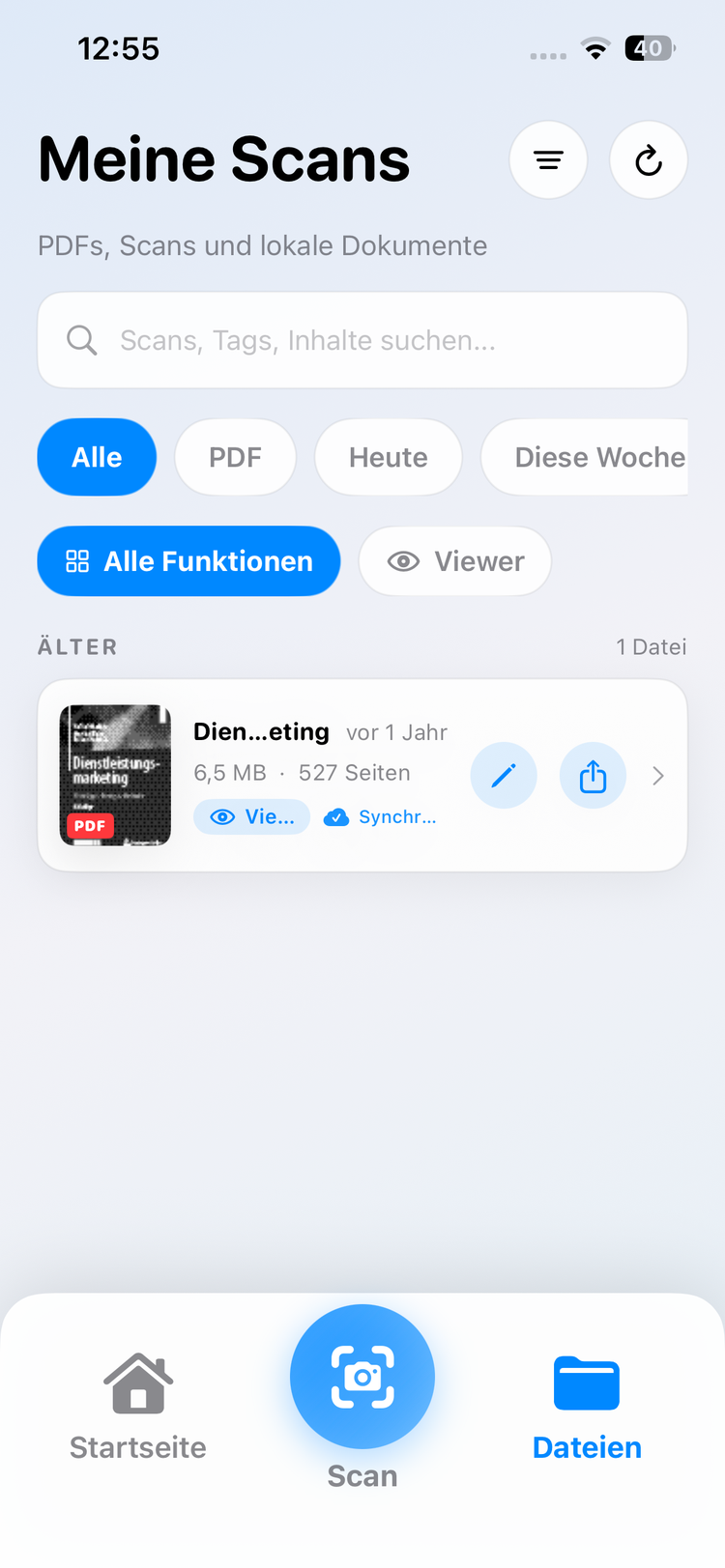
Manage all your PDFs and documents centrally in the app. Access local files, iCloud and more.
Learn how to edit PDFs more efficiently, save money and find the best app for your needs.
Adobe Acrobat is the market leader – but not the only option. Clip PDF offers many PDF features for free or €2.99/month.
Read article GuideThree ways to edit PDFs for free: with Clip PDF, online tools, or open source. A comparison with pros and cons.
Read article TutorialStep by step: How to merge multiple PDFs on your iPhone – directly in the Clip PDF app, completely free.
Read article ReviewThree popular scanner apps at a glance: features, prices and differences – to help you find the right app.
Read article PrivacyA clear explanation of client-side and server-side processing.
Read article ExplainerFile size, image quality, and sensible settings explained.
Read article Law & practiceThe difference between visible and qualified signatures.
Read articleGot questions, feedback or want to work with us? We look forward to your message!
All these tools, plus offline, plus saved signatures and recent files — free in the app.