Clip-PDF Logo
Clip-PDF
PDF Power Tools
Funciones Pricing Contacto Download Now
🇩🇪 🇬🇧 🇸🇪 🇳🇴 🇫🇮 🇮🇹 🇵🇱 🇷🇺 🇸🇰 🇪🇸 🇵🇹 🇨🇿 🇧🇬 🇭🇷
12 potentes herramientas PDF

Tu editor PDF
todo en uno
para iPhone.

Escanea, edita, convierte, fusiona, comprime, OCR y mucho más – todo en una sola app. Edición PDF profesional directamente en tu iPhone.


Download on the App Store Get it on Google Play
Freemium + Clips Vollversion 2,99 €
Visor PDF
Convert
Split
Escáner
OCR
Files
View
Editor
Fusionar
Seguridad
Compress
Optimize
Home
1

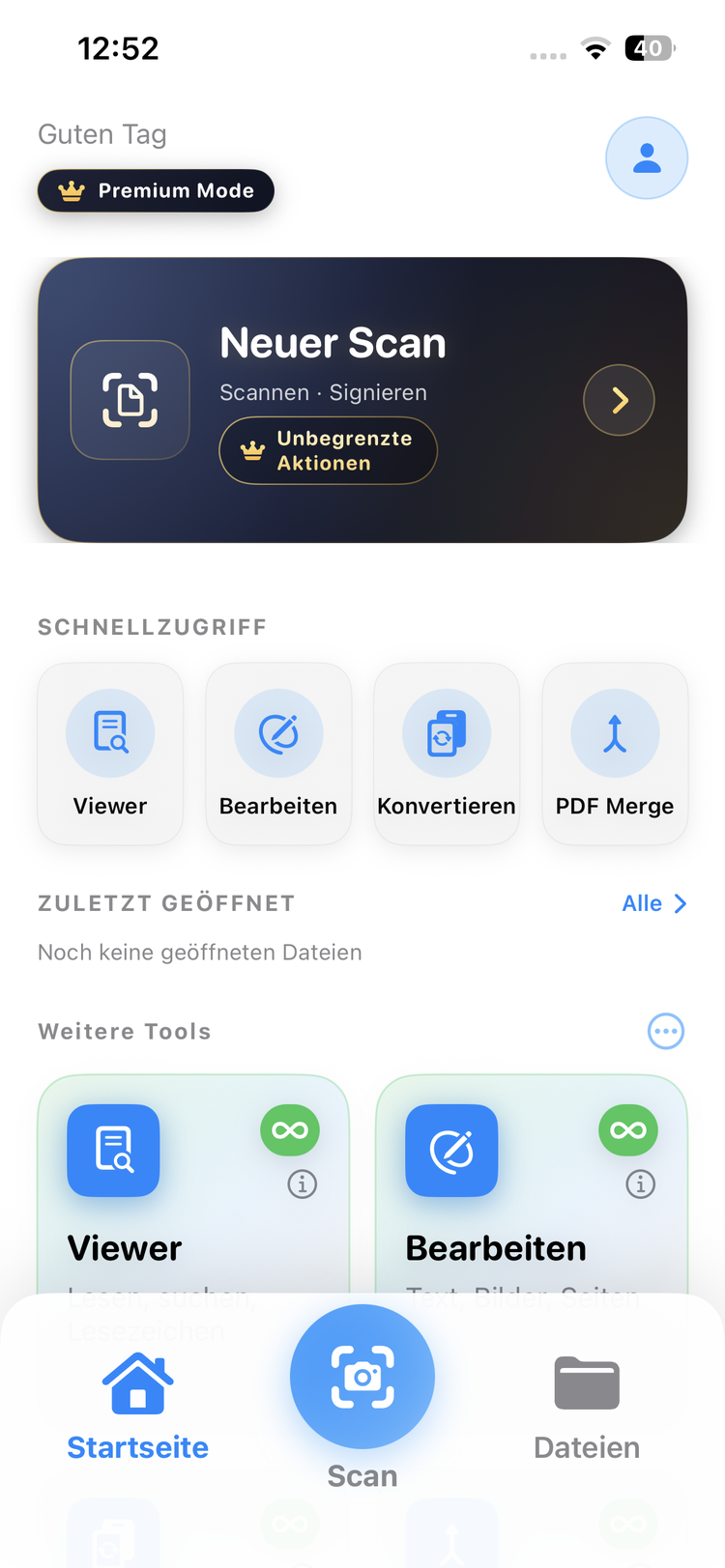
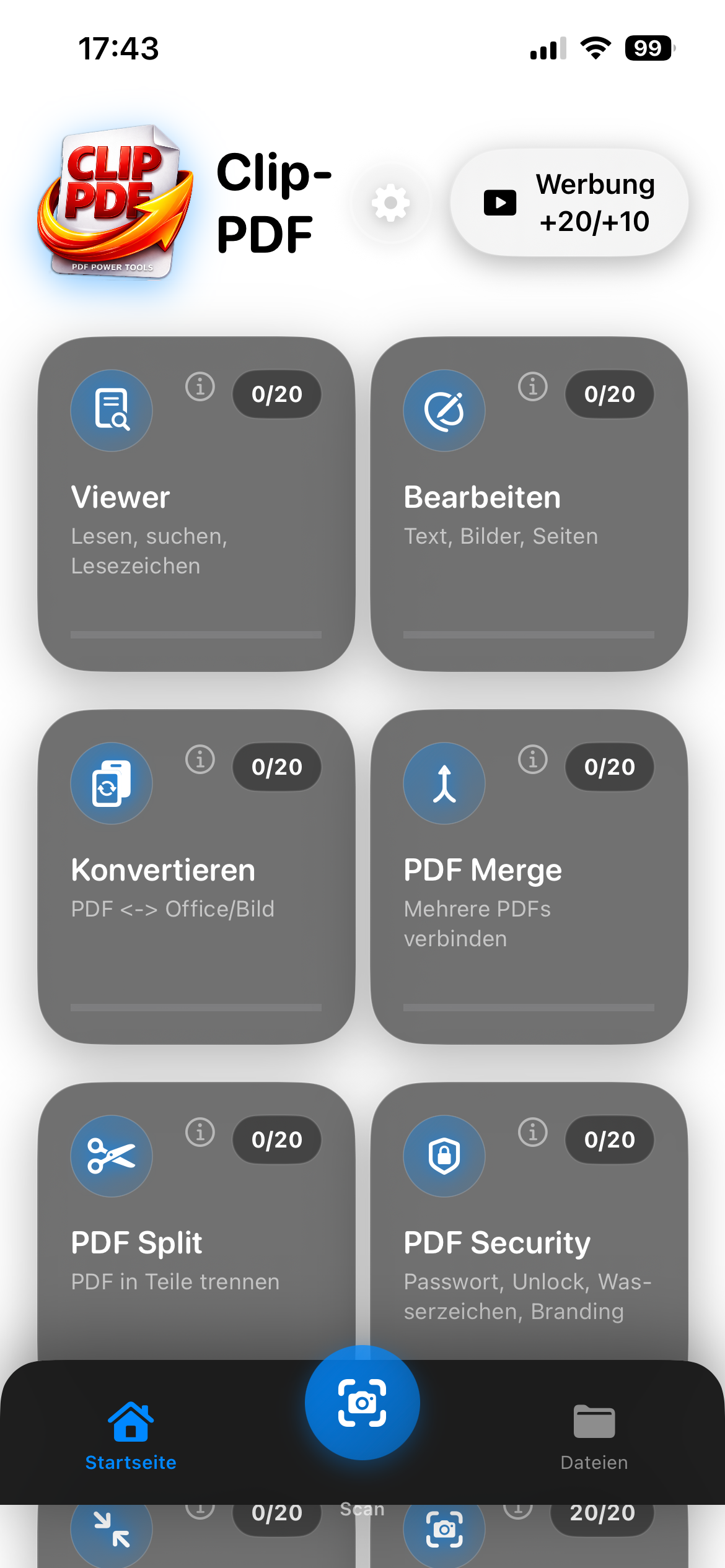
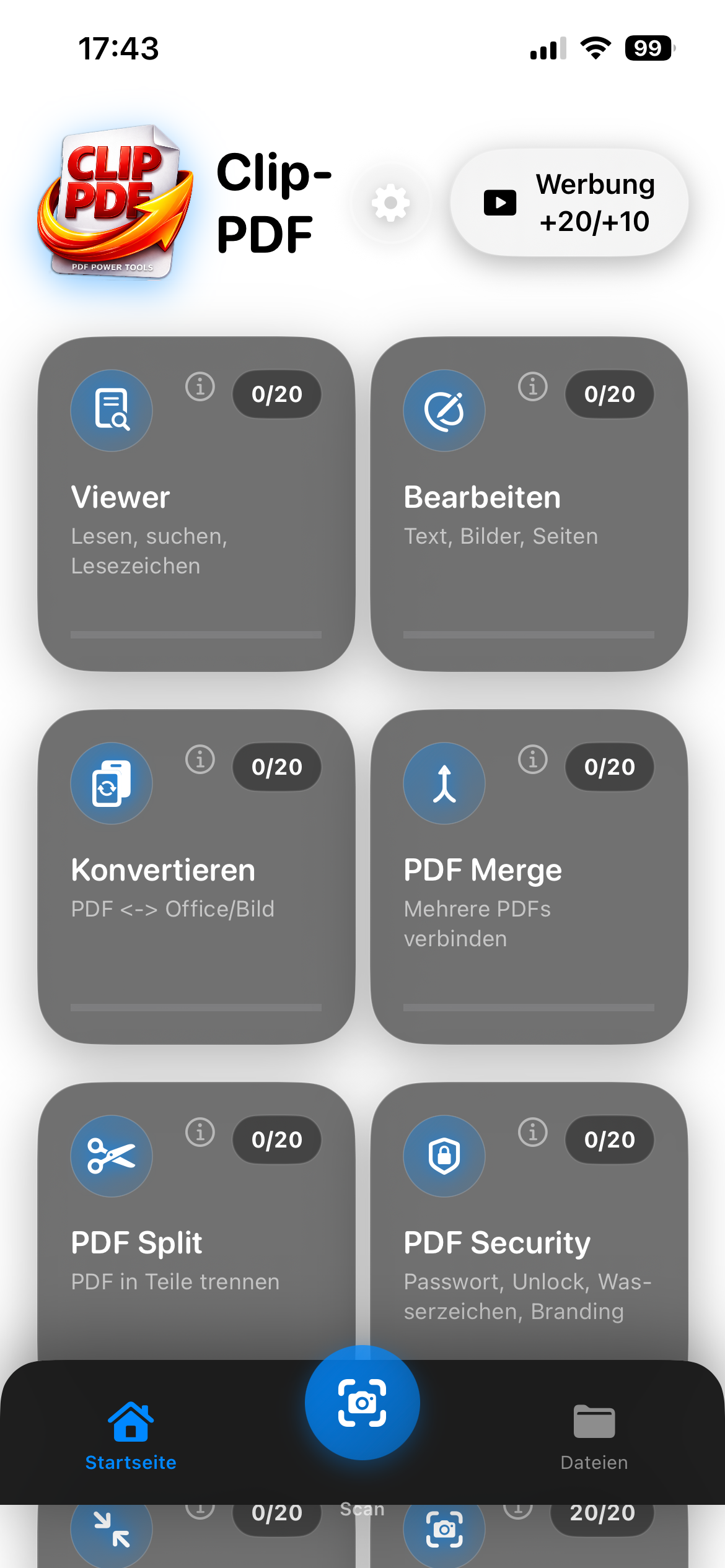
Panel con 12 herramientas

Todas las herramientas de un vistazo. Ordénalas por uso o mediante arrastrar y soltar.

Quick access to all PDF tools
Freemium: 20 free actions or watch ads
Intuitive, clean design
3

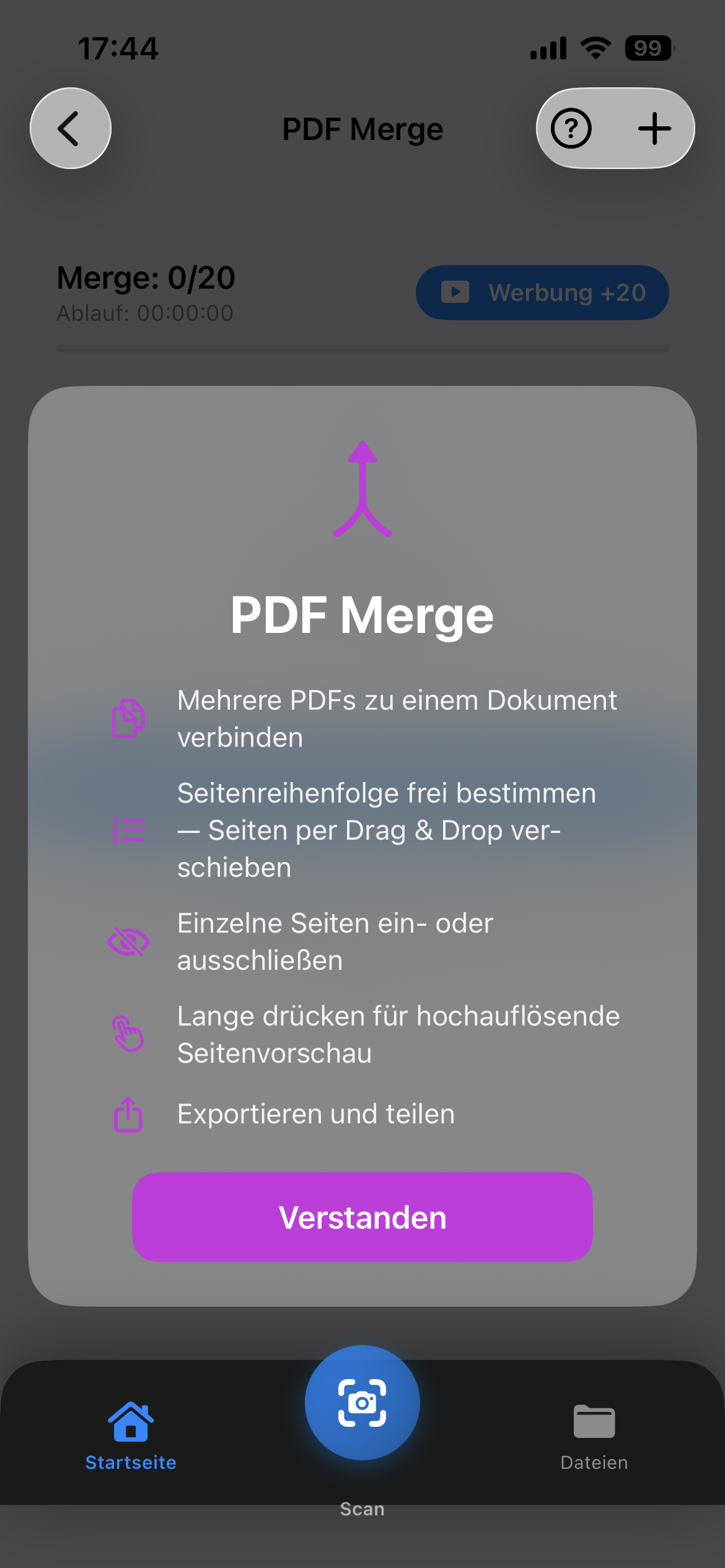
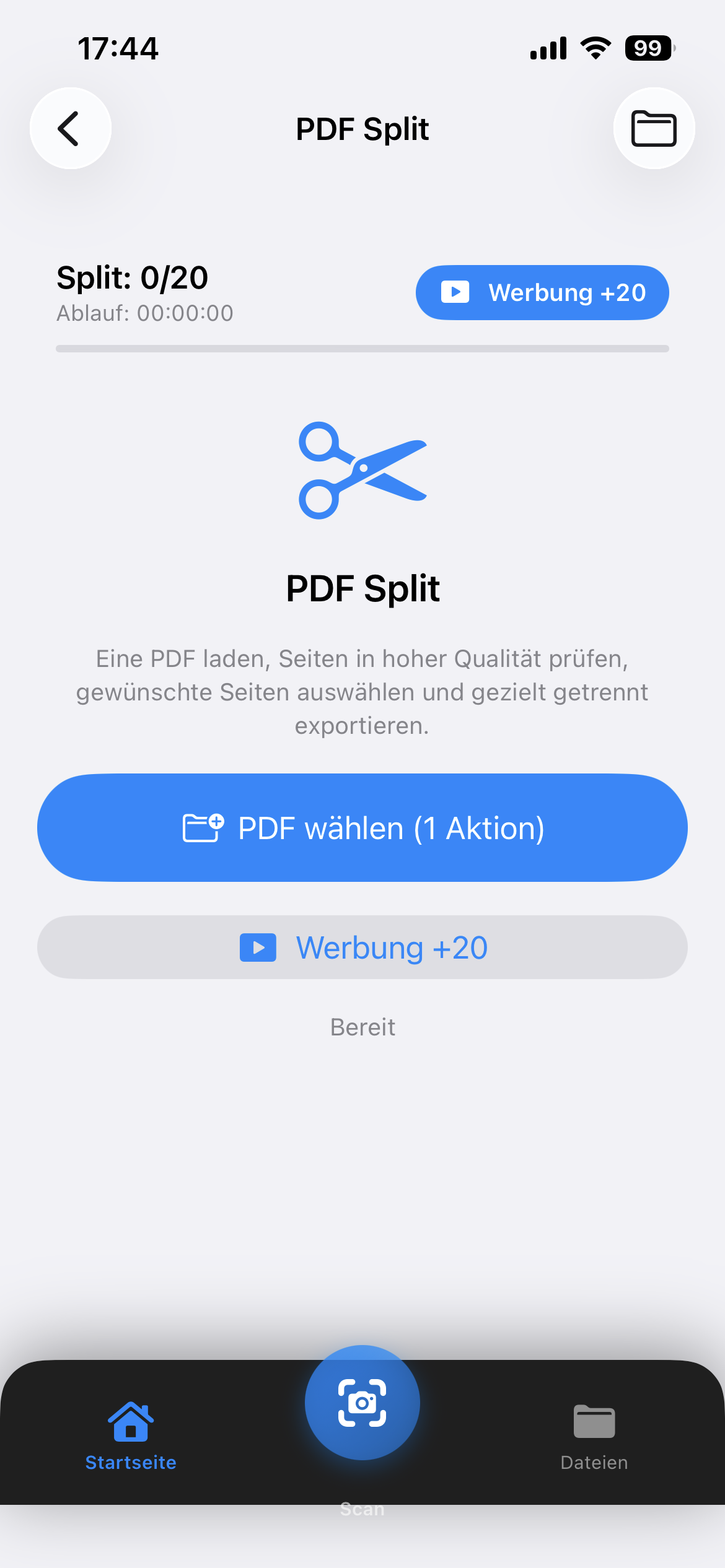
Fusionar y dividir

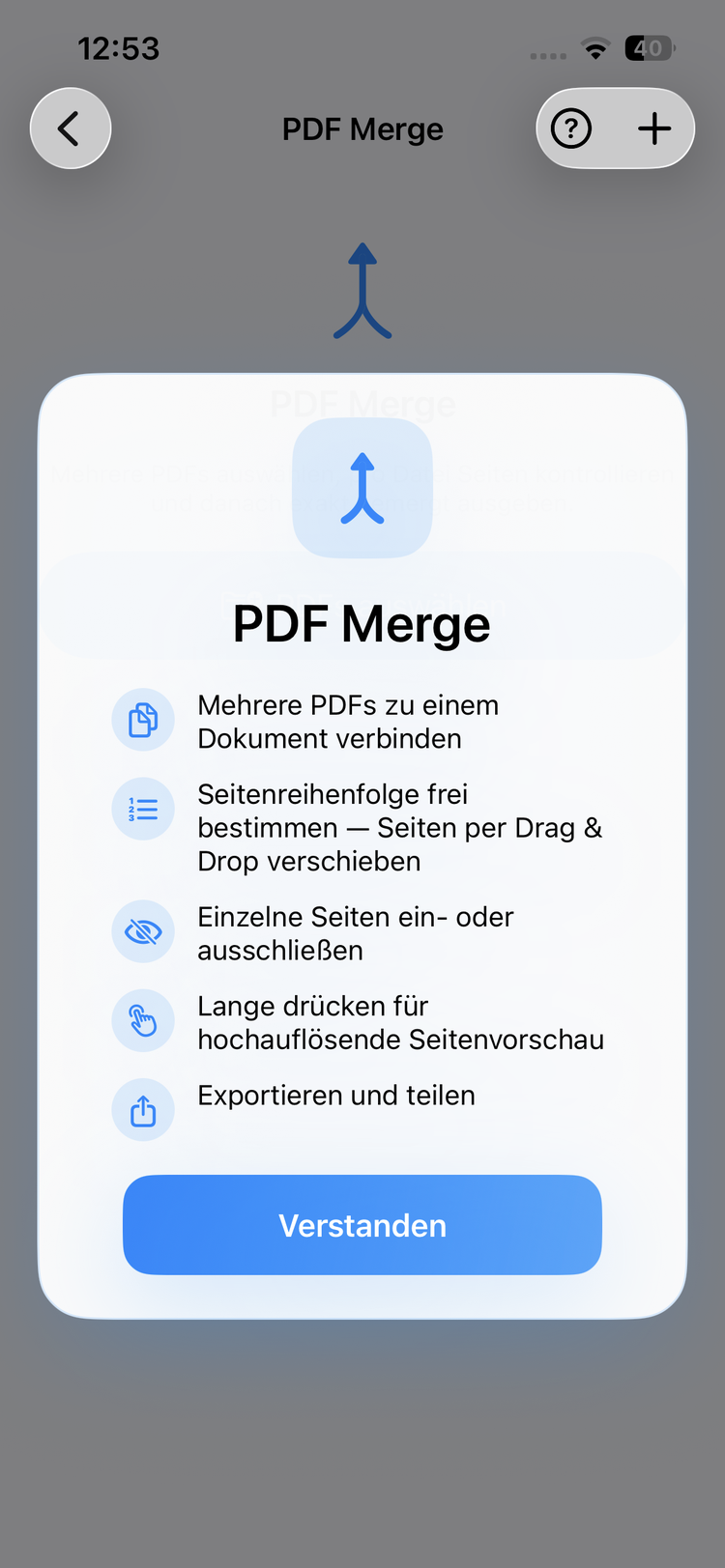
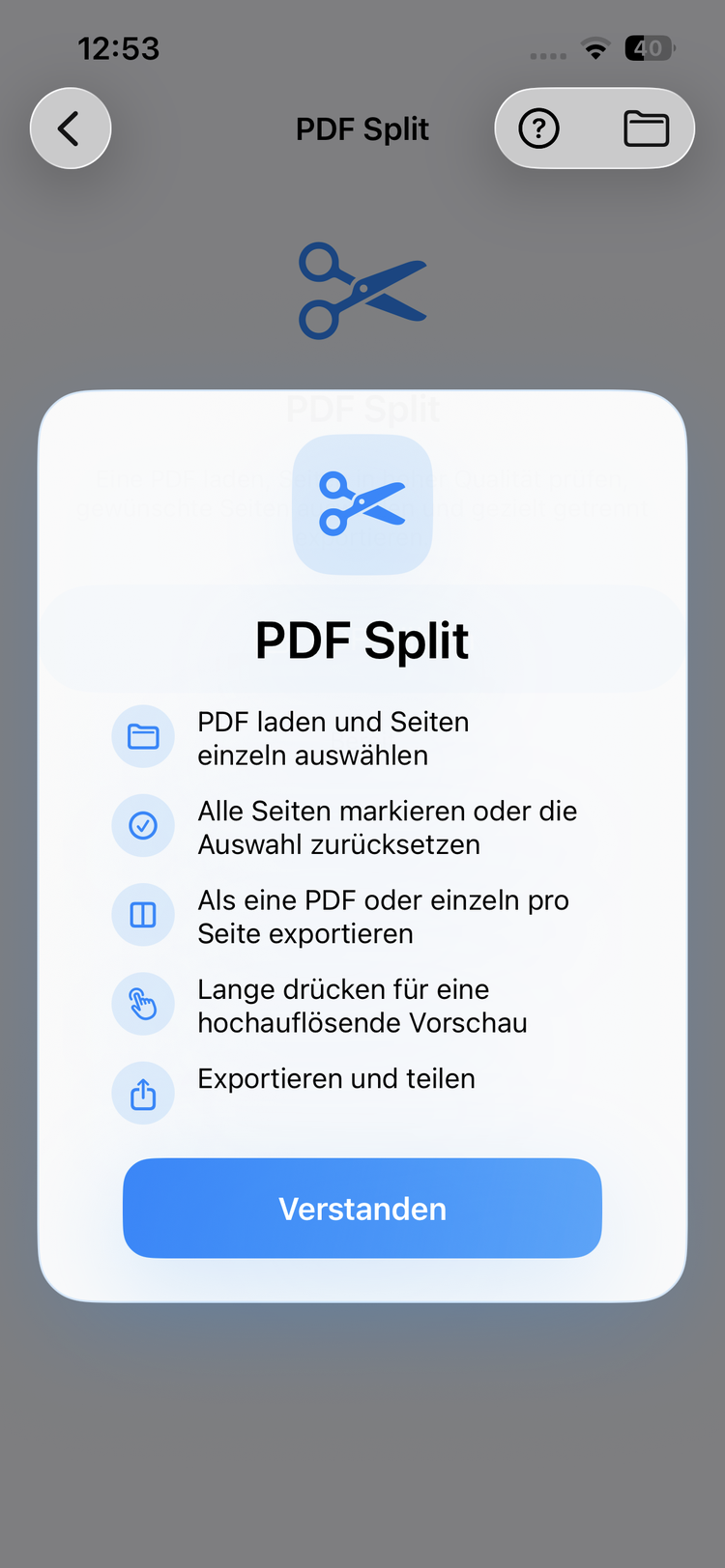
Combina varios PDFs o extrae páginas individuales. Vista previa de páginas y selección flexible incluidas.

Edit text, images and pages
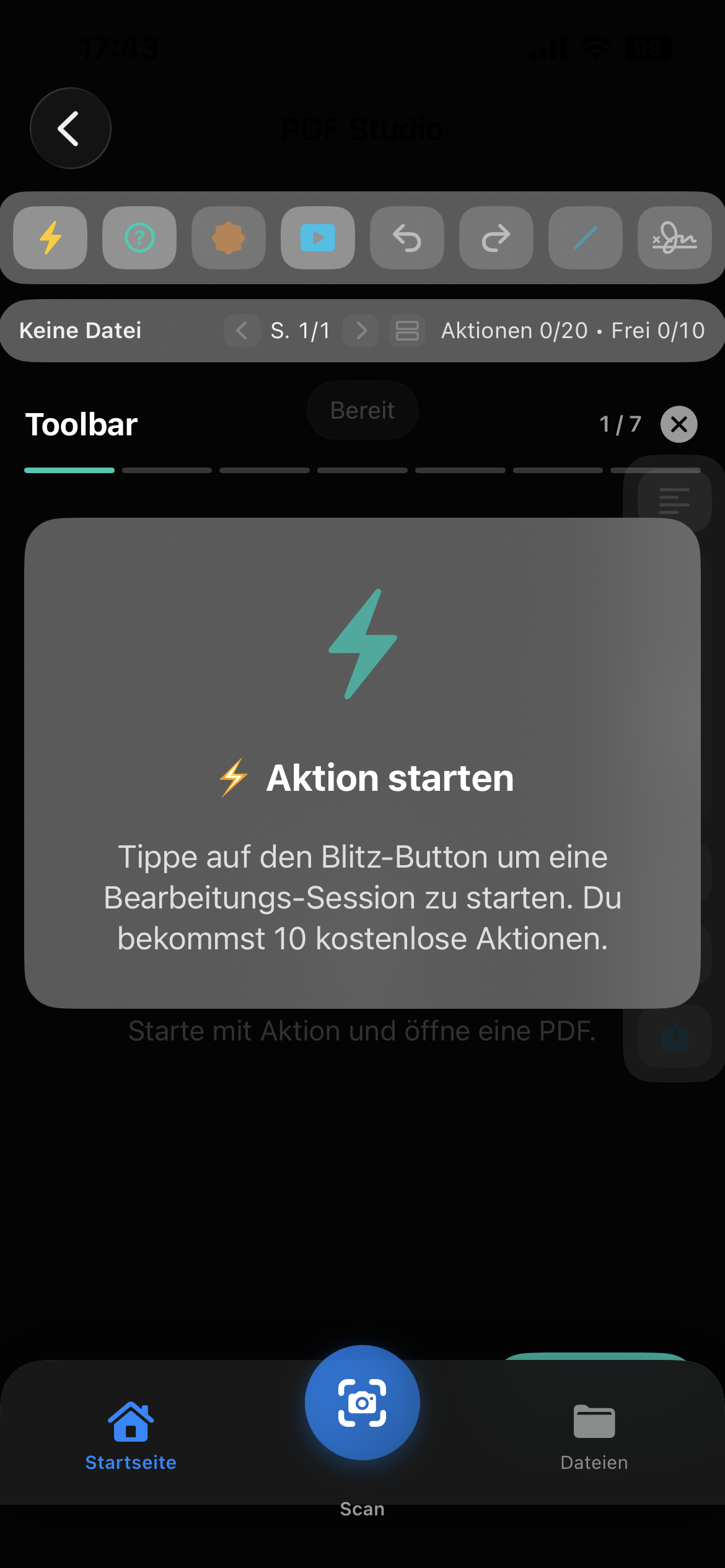
10 free actions to start
Watch ads for more actions
5

Reconocimiento de texto OCR

Escanea documentos y reconoce texto automáticamente. Exporta como PDF con búsqueda, imagen o archivo de texto.

Merge multiple PDFs
Reorder pages via drag & drop
High-resolution page preview
7

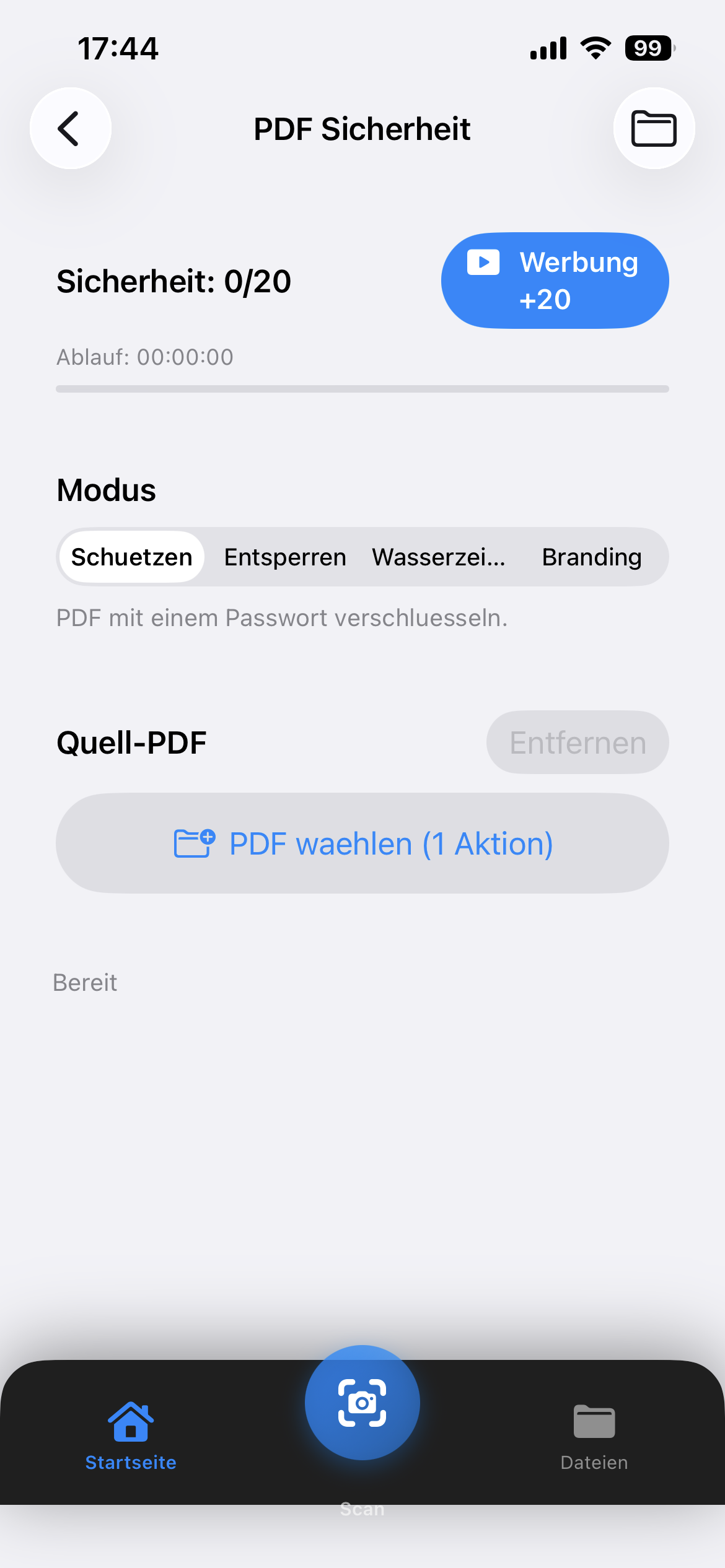
Seguridad y contraseña

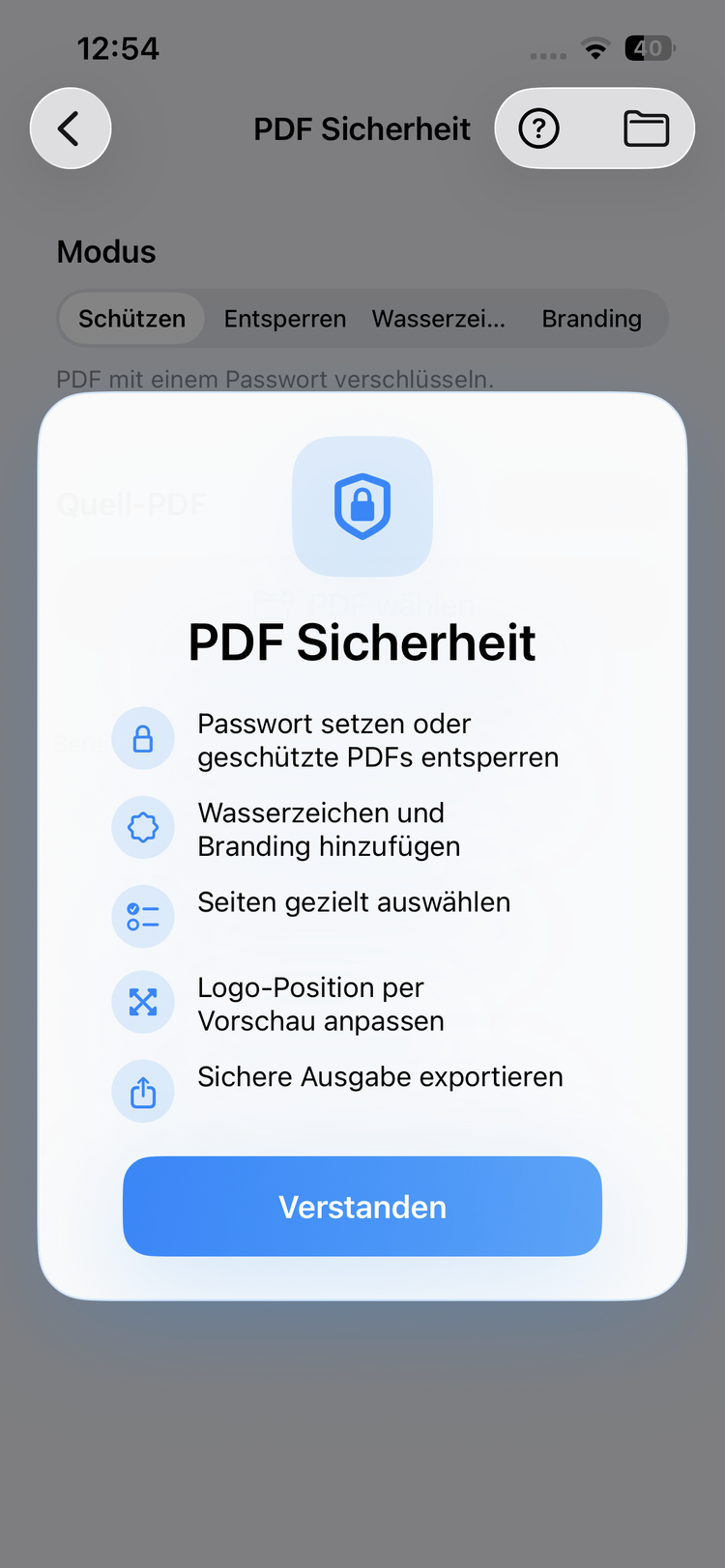
Protege tus PDFs con contraseñas, añade marcas de agua o elimina la protección existente.

Encrypt PDFs with password
Unlock protected PDFs
Add watermarks & branding
9

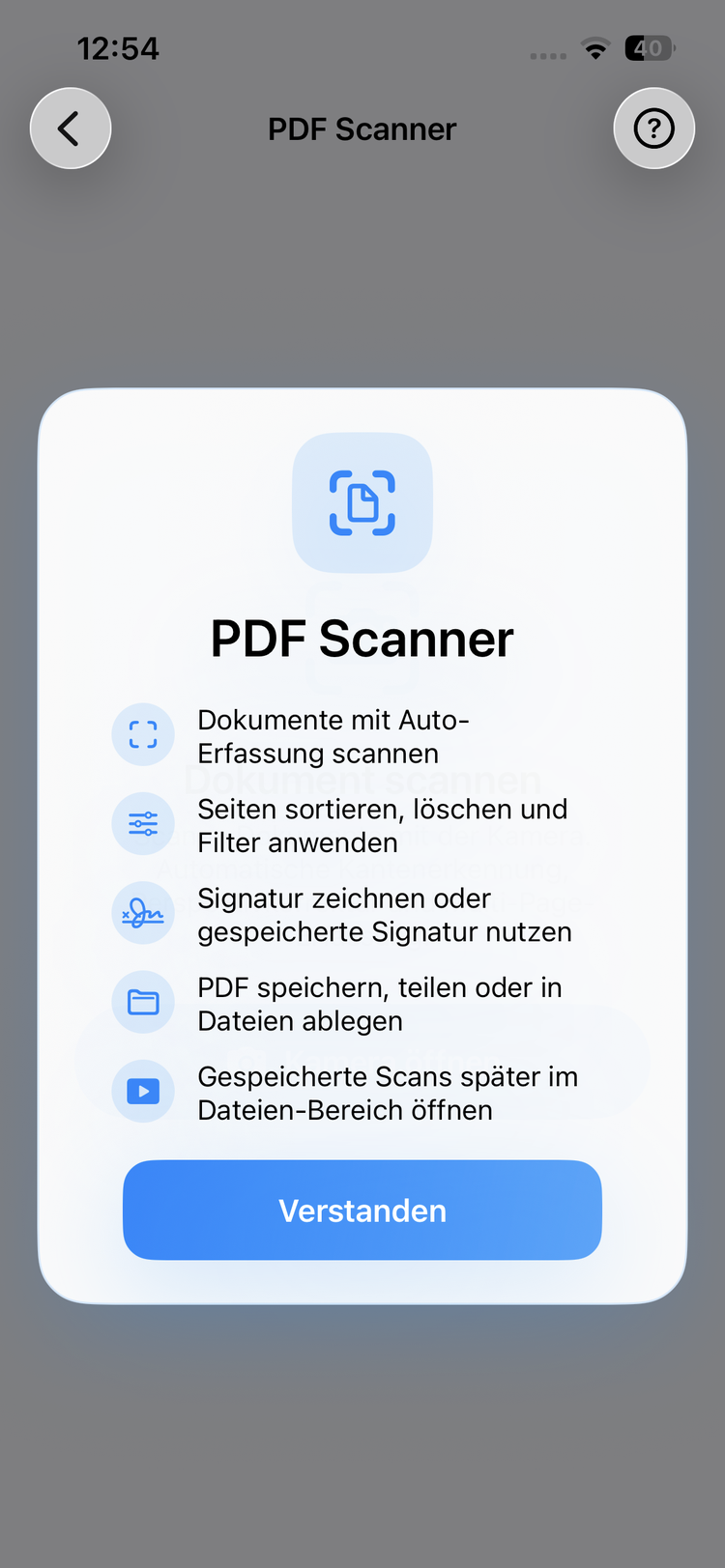
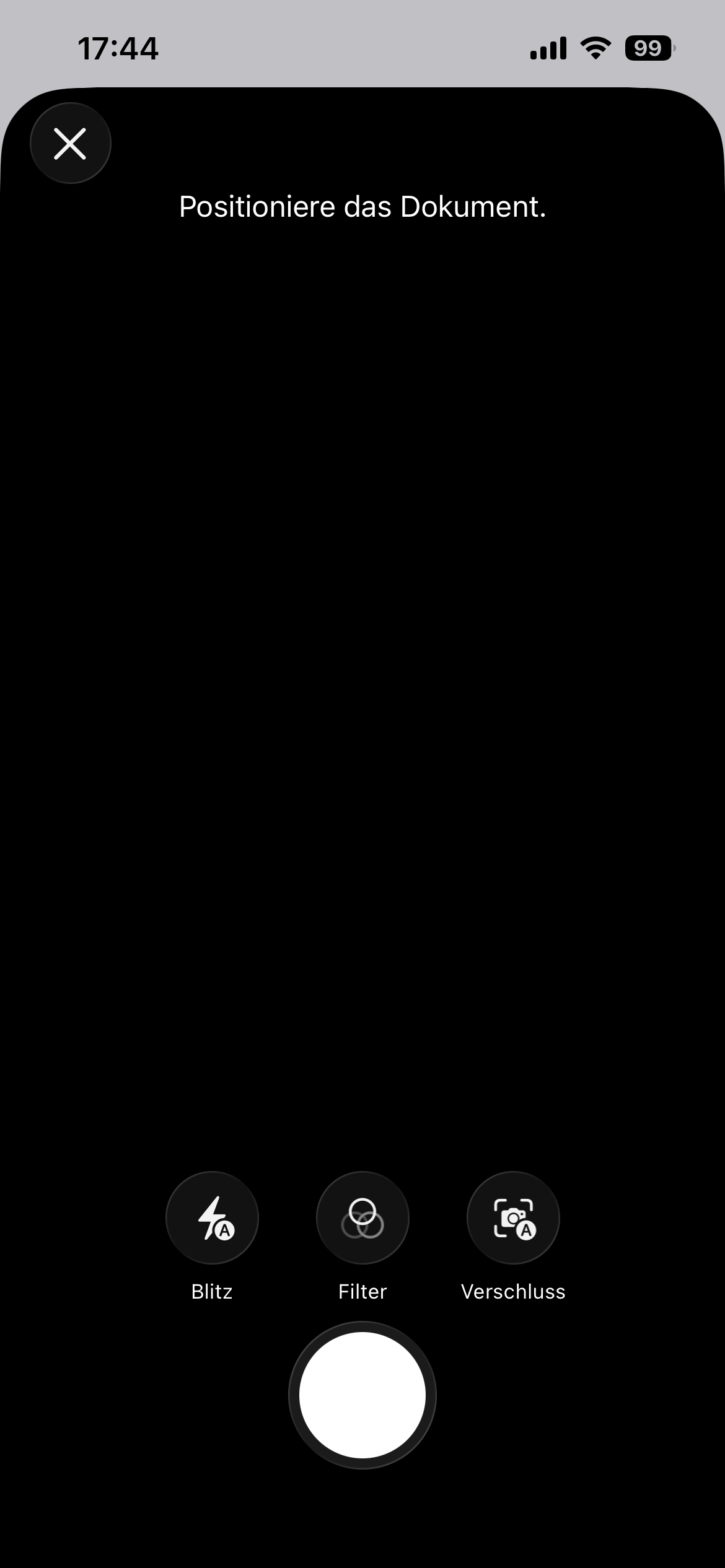
Document Scanner

Scan documents with your camera and create clean PDFs instantly. With flash, filters and automatic detection.

Camera scan with document detection
Flash, filter & shutter options
Save directly as PDF
11

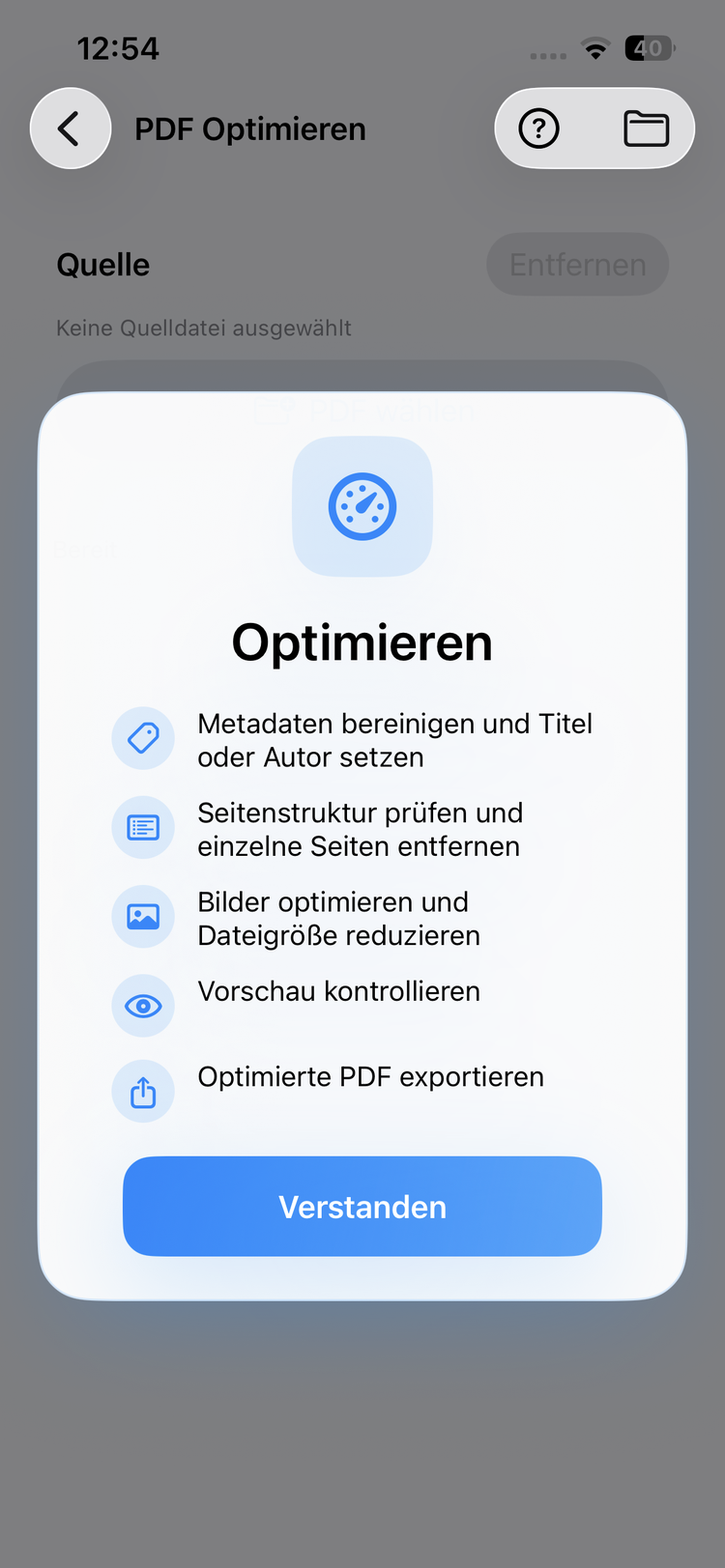
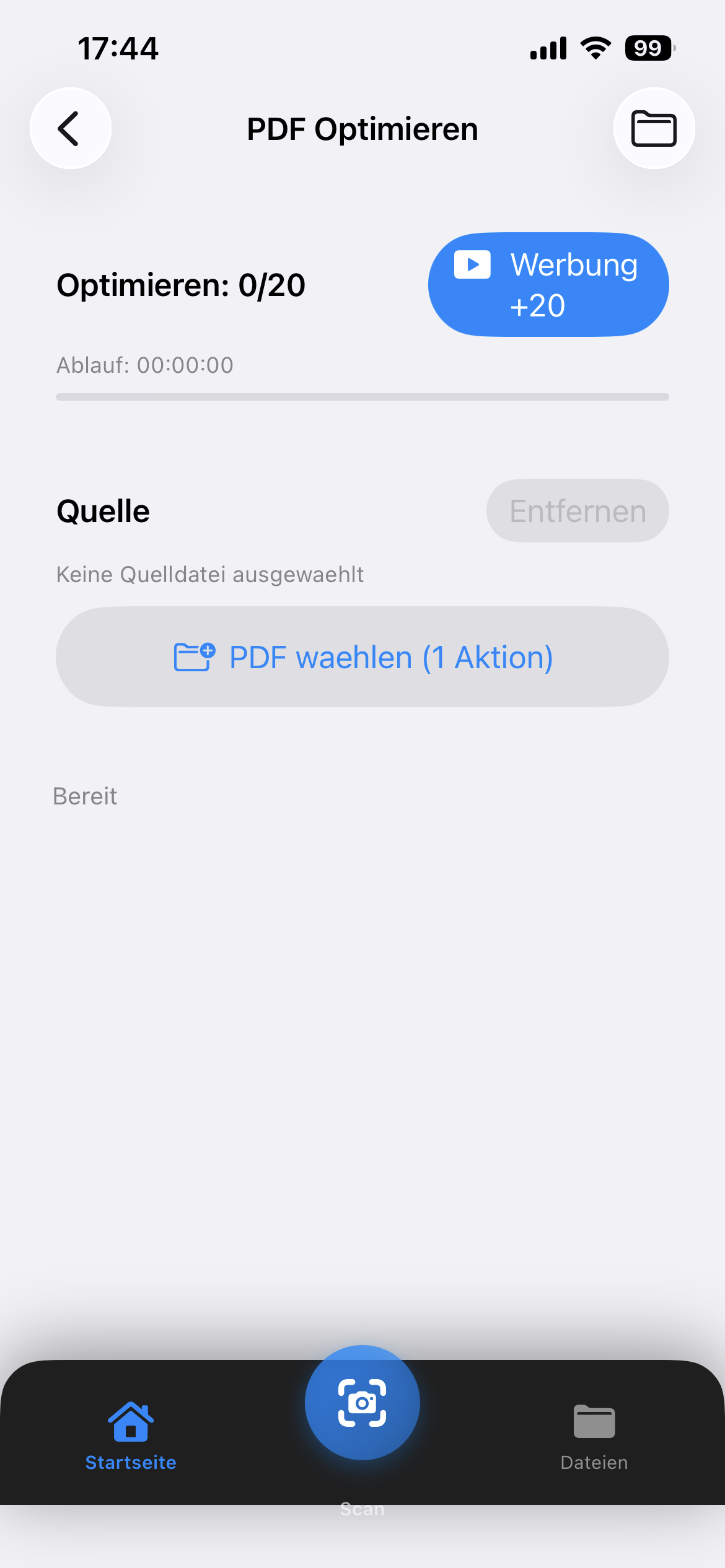
PDF Optimize

Optimize PDFs for web, print or archival. Improve structure and remove unnecessary data.

Optimize for web, print or archive
Remove unnecessary metadata
Improve structure & compatibility
View
2

Editar y anotar

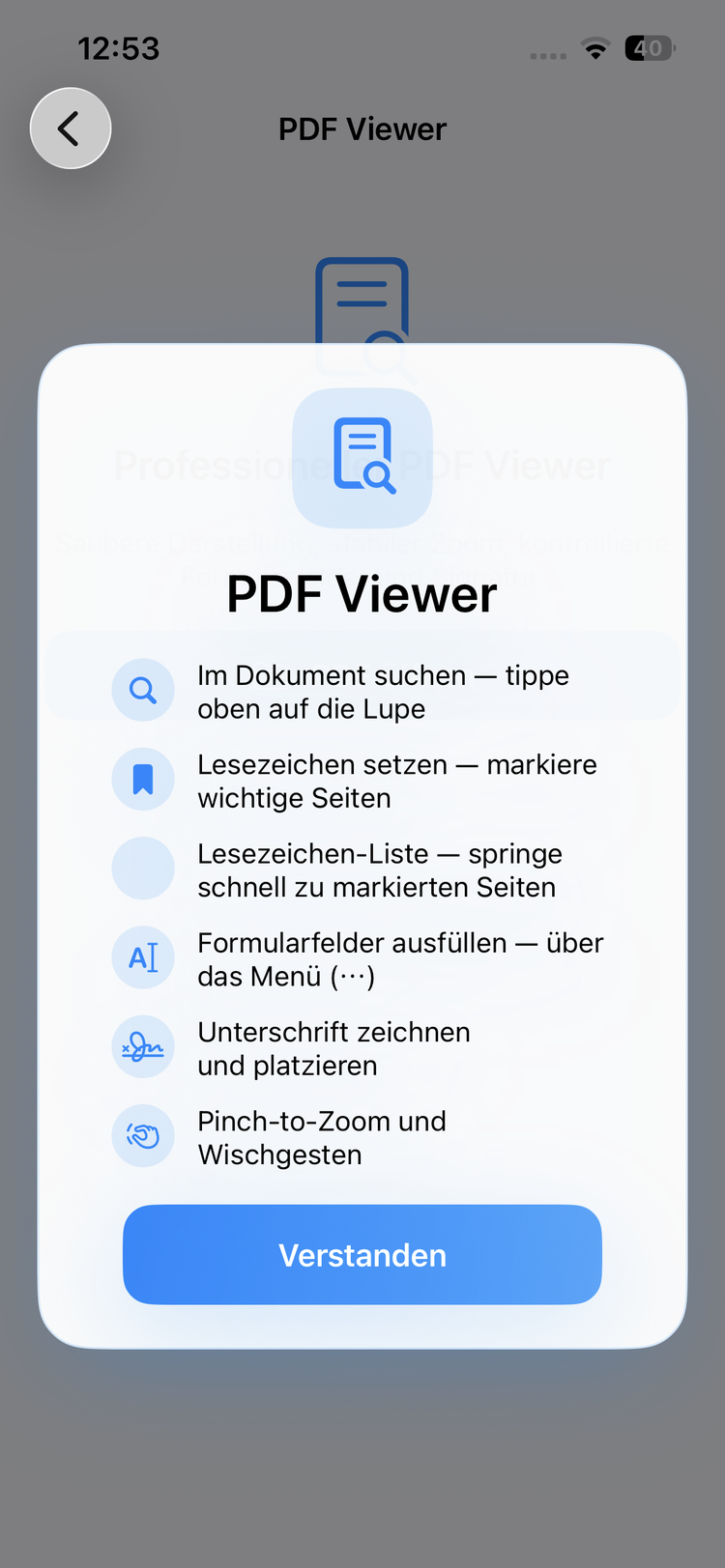
Dibuja, escribe y resalta directamente en el PDF. Soporte completo de PencilKit para entrada precisa.

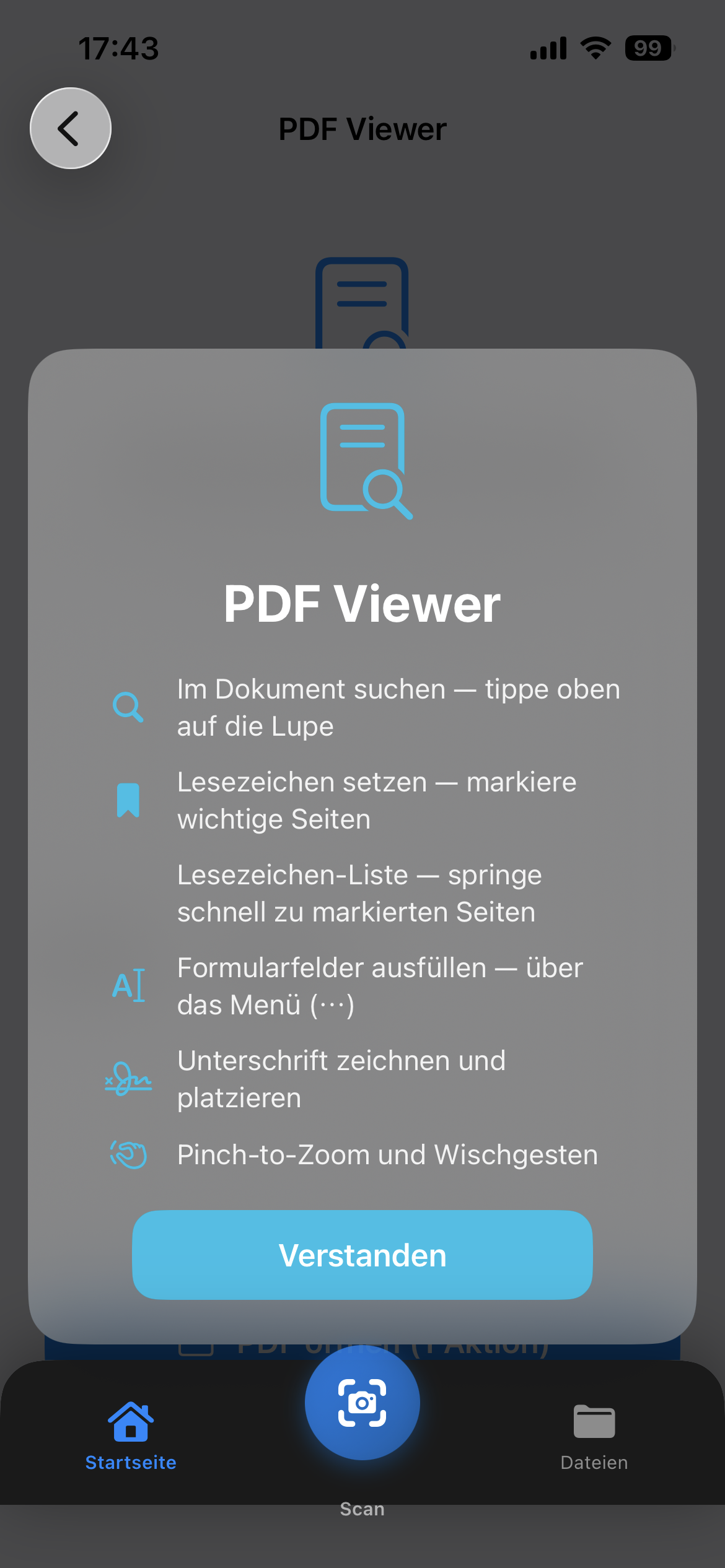
Full text search in documents
Set and manage bookmarks
Fill form fields & sign
4

Escaneo en 5 modos

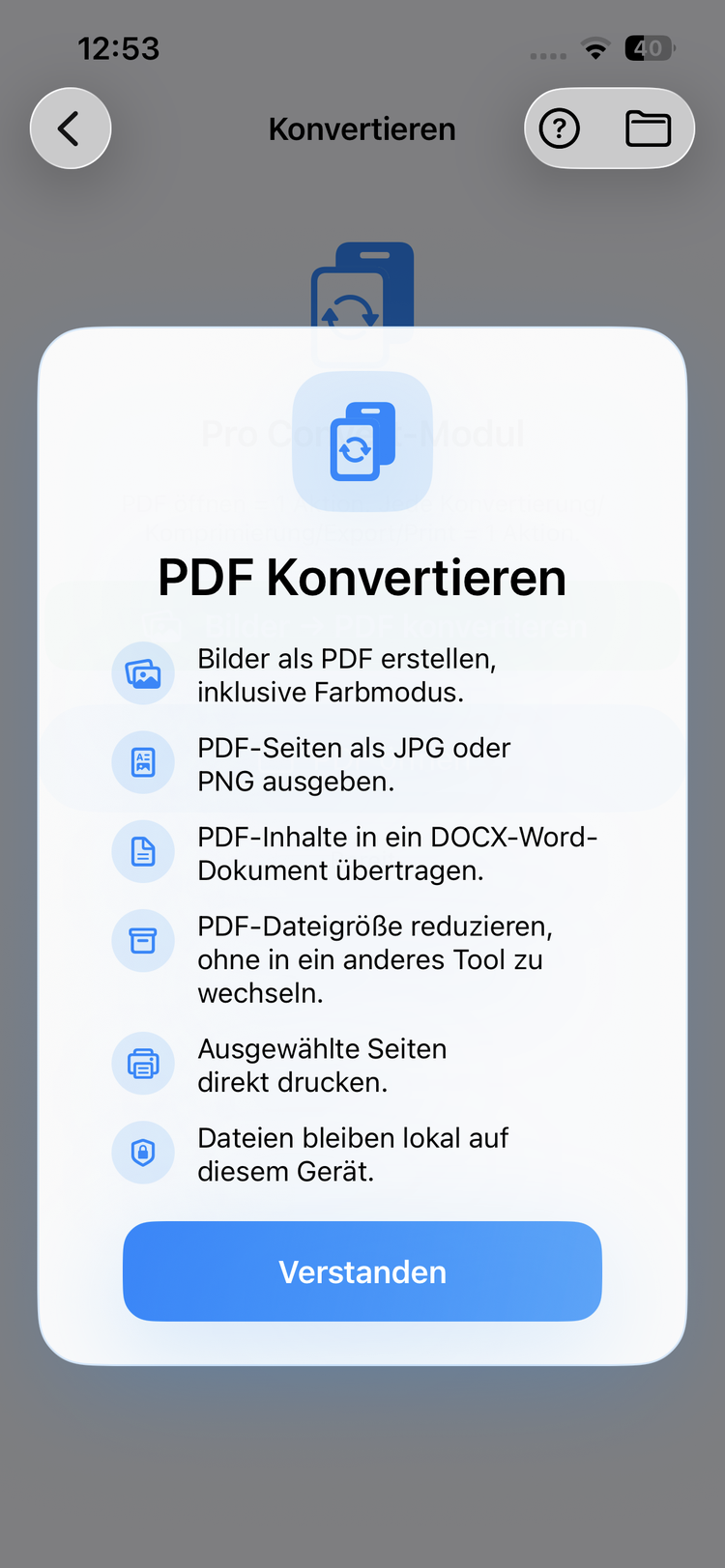
Escanea documentos, DNI, libros, pizarras y tarjetas de visita – con detección automática de bordes.

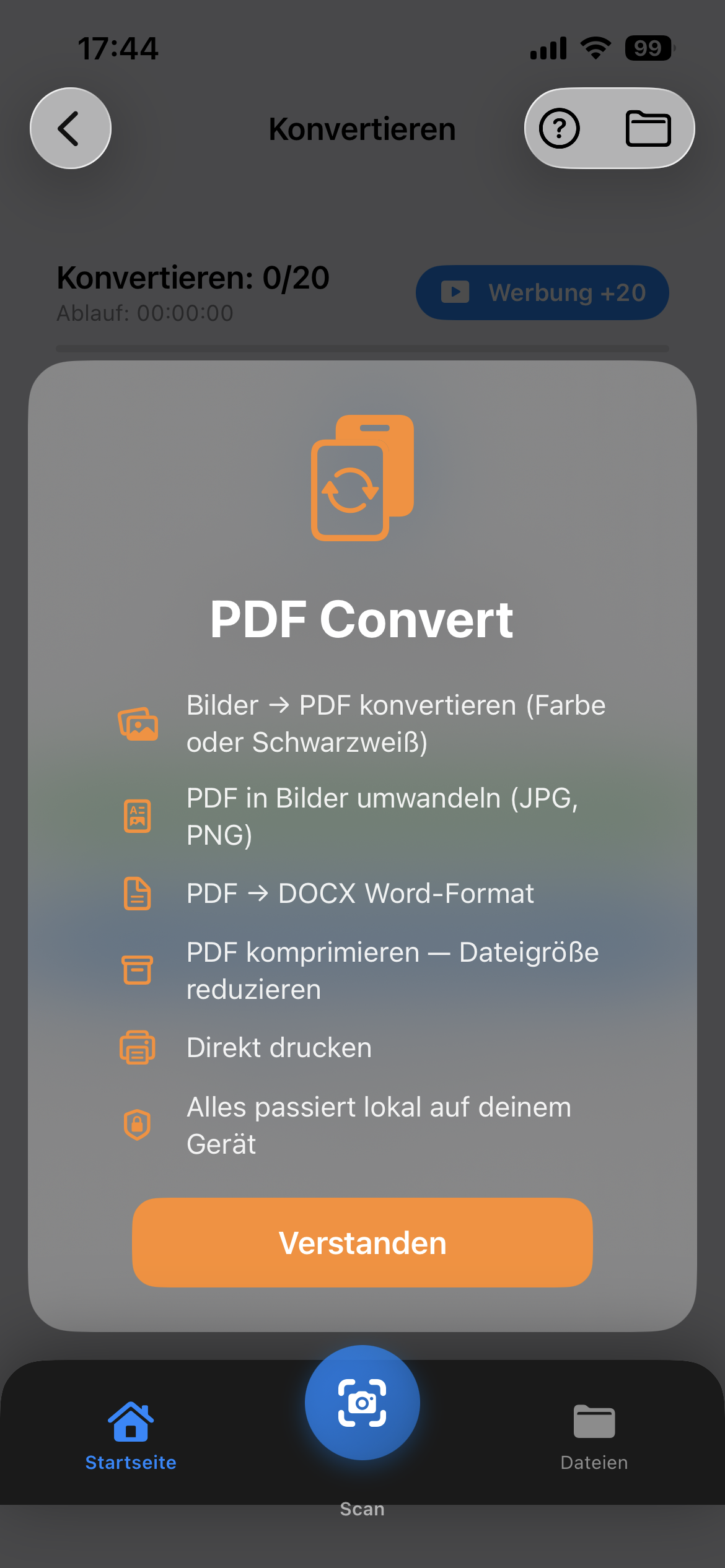
PDF ↔ Images (JPG, PNG)
PDF → DOCX Word format
Compress PDF & print directly
6

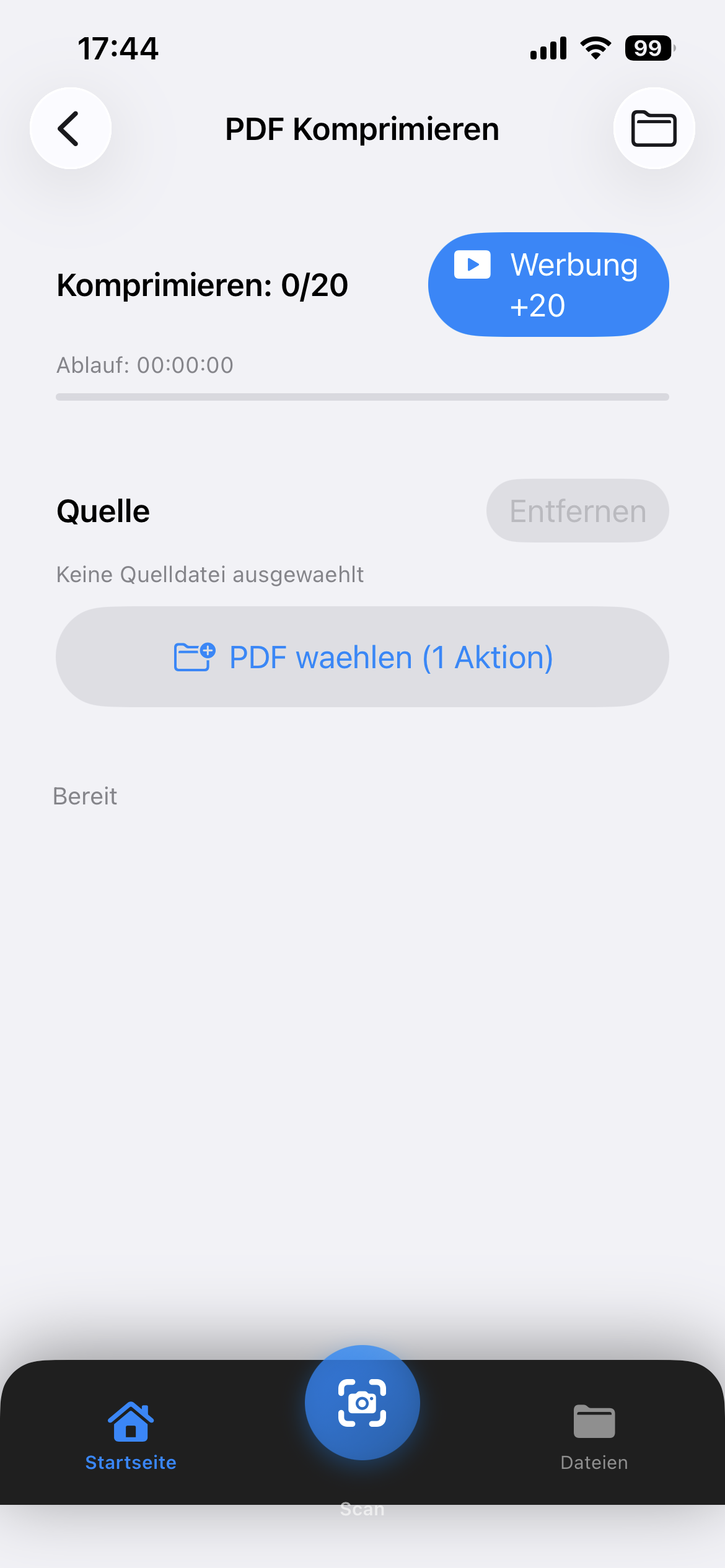
Comprimir y optimizar

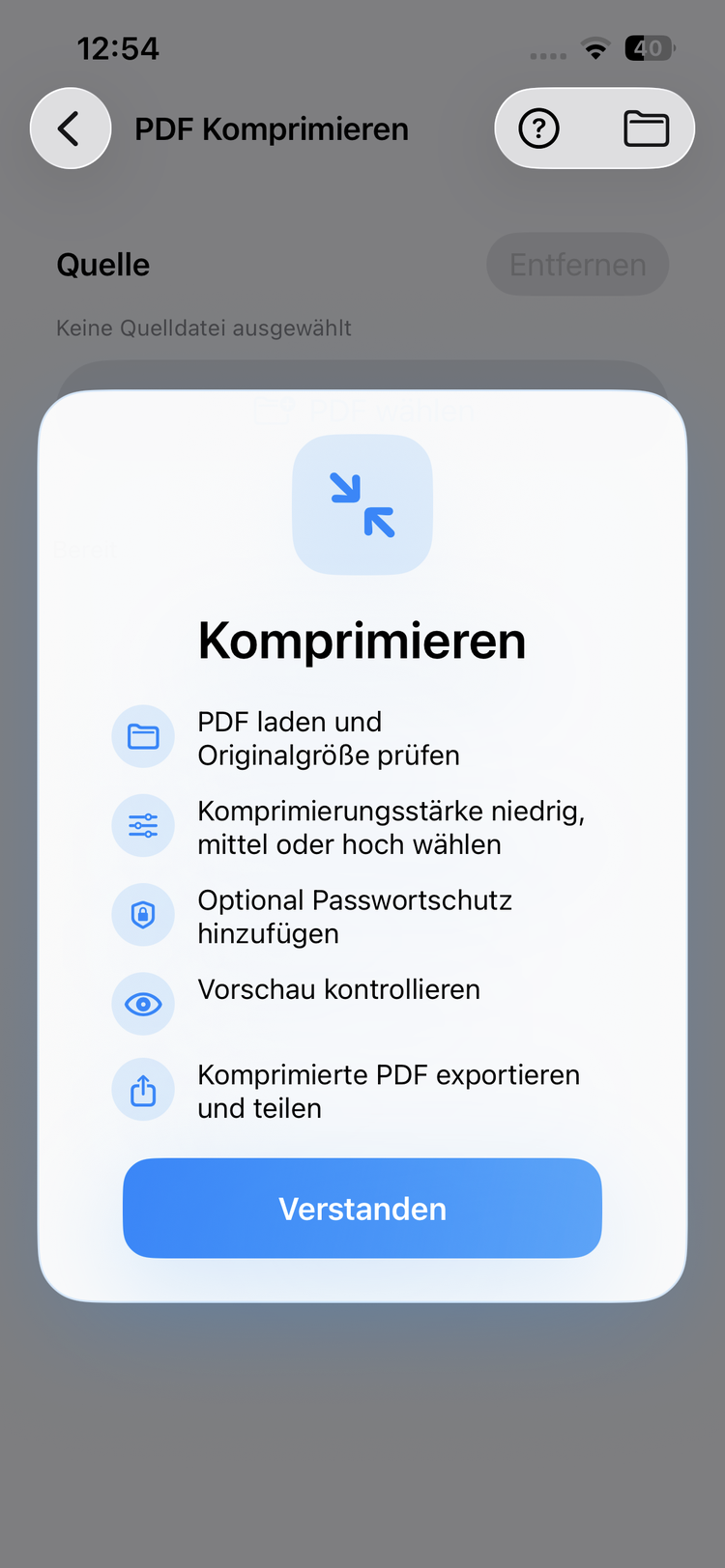
Compresión de 3 niveles con vista previa del tamaño en tiempo real. Rota, ordena páginas y edita metadatos.

Review pages in high quality
Select specific pages
Export and share separately
8

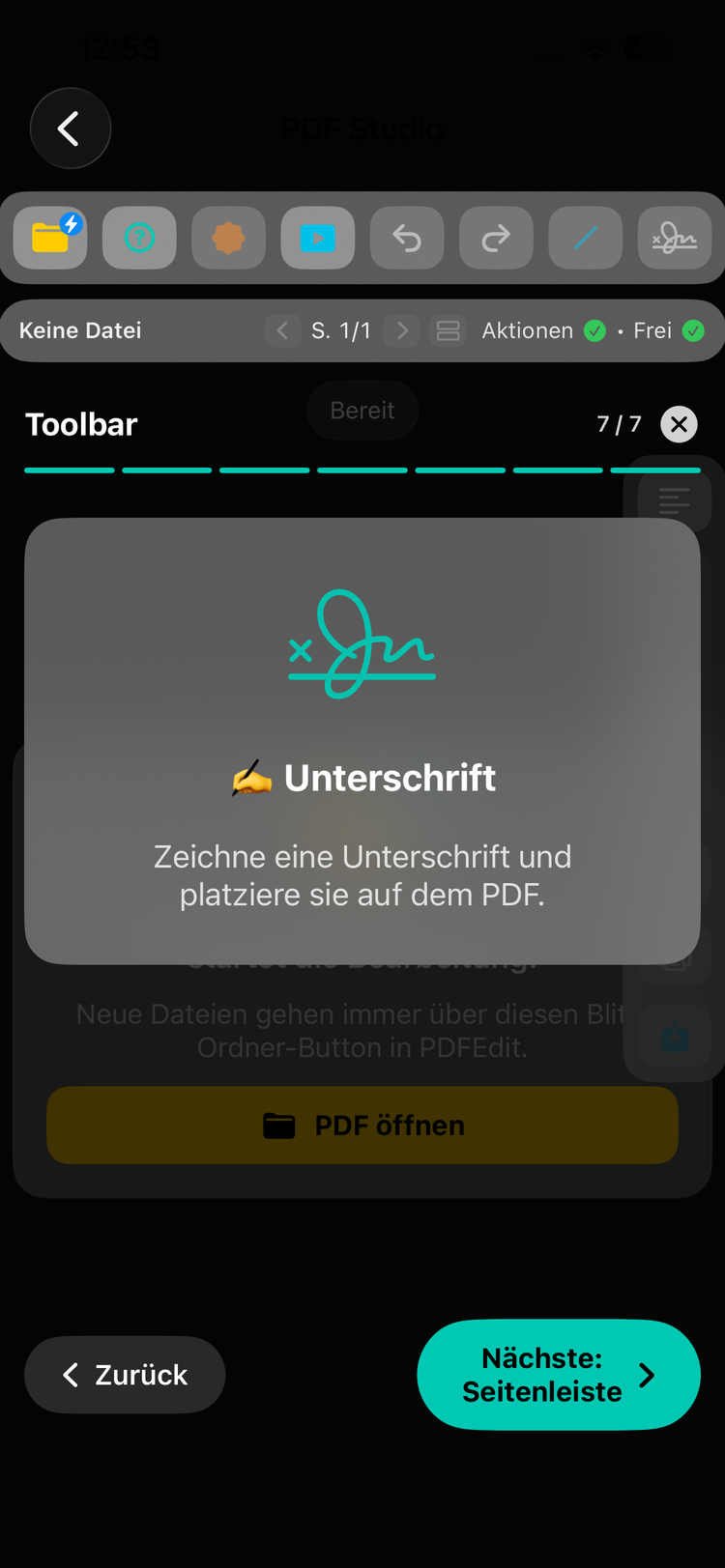
Firma digital

Crea y guarda tu firma. Colócala en cualquier PDF – rápido y fácil.

Intelligently reduce file size
Quality stays preserved
Perfect for email & cloud
10

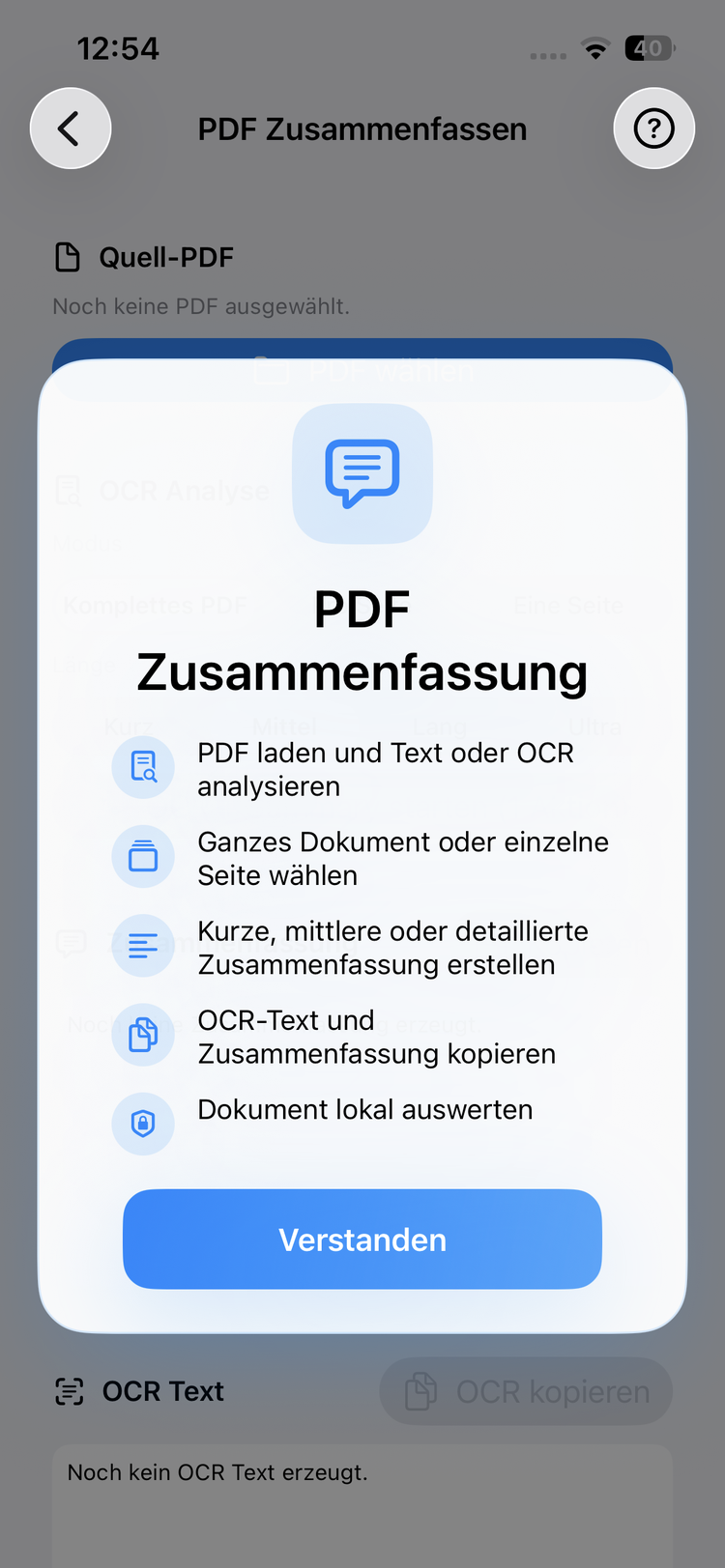
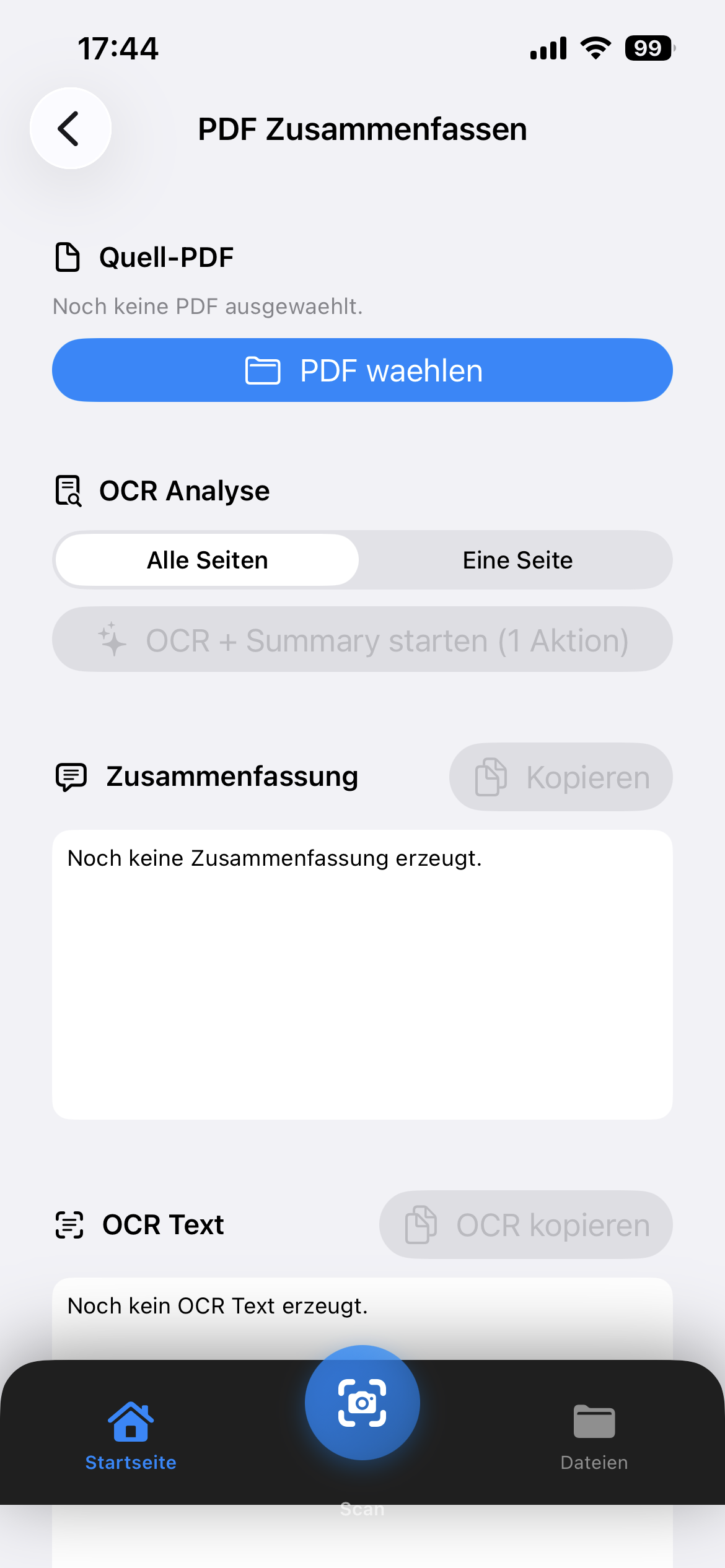
OCR & Summary

Extract text via OCR from scanned PDFs and let AI automatically summarize your documents.

OCR text recognition for all pages
AI-powered summary
Copy and reuse extracted text
1

Panel con 12 herramientas

Todas las herramientas de un vistazo. Ordénalas por uso o mediante arrastrar y soltar.

Quick access to all PDF toolsFreemium: 20 free actions or watch ads
2

Editar y anotar

Dibuja, escribe y resalta directamente en el PDF. Soporte completo de PencilKit para entrada precisa.

Full text search in documentsSet and manage bookmarks
3

Fusionar y dividir

Combina varios PDFs o extrae páginas individuales. Vista previa de páginas y selección flexible incluidas.

Edit text, images and pages10 free actions to start
4

Escaneo en 5 modos

Escanea documentos, DNI, libros, pizarras y tarjetas de visita – con detección automática de bordes.

PDF ↔ Images (JPG, PNG)PDF → DOCX Word format
5

Reconocimiento de texto OCR

Escanea documentos y reconoce texto automáticamente. Exporta como PDF con búsqueda, imagen o archivo de texto.

Merge multiple PDFsReorder pages via drag & drop
6

Comprimir y optimizar

Compresión de 3 niveles con vista previa del tamaño en tiempo real. Rota, ordena páginas y edita metadatos.

Review pages in high qualitySelect specific pages
7

Seguridad y contraseña

Protege tus PDFs con contraseñas, añade marcas de agua o elimina la protección existente.

Encrypt PDFs with passwordUnlock protected PDFs
8

Firma digital

Crea y guarda tu firma. Colócala en cualquier PDF – rápido y fácil.

Intelligently reduce file sizeQuality stays preserved
9

Document Scanner

Scan documents with your camera and create clean PDFs instantly. With flash, filters and automatic detection.

Camera scan with document detectionFlash, filter & shutter options
10

OCR & Summary

Extract text via OCR from scanned PDFs and let AI automatically summarize your documents.

OCR text recognition for all pagesAI-powered summary
11

PDF Optimize

Optimize PDFs for web, print or archival. Improve structure and remove unnecessary data.

Optimize for web, print or archiveRemove unnecessary metadata
12

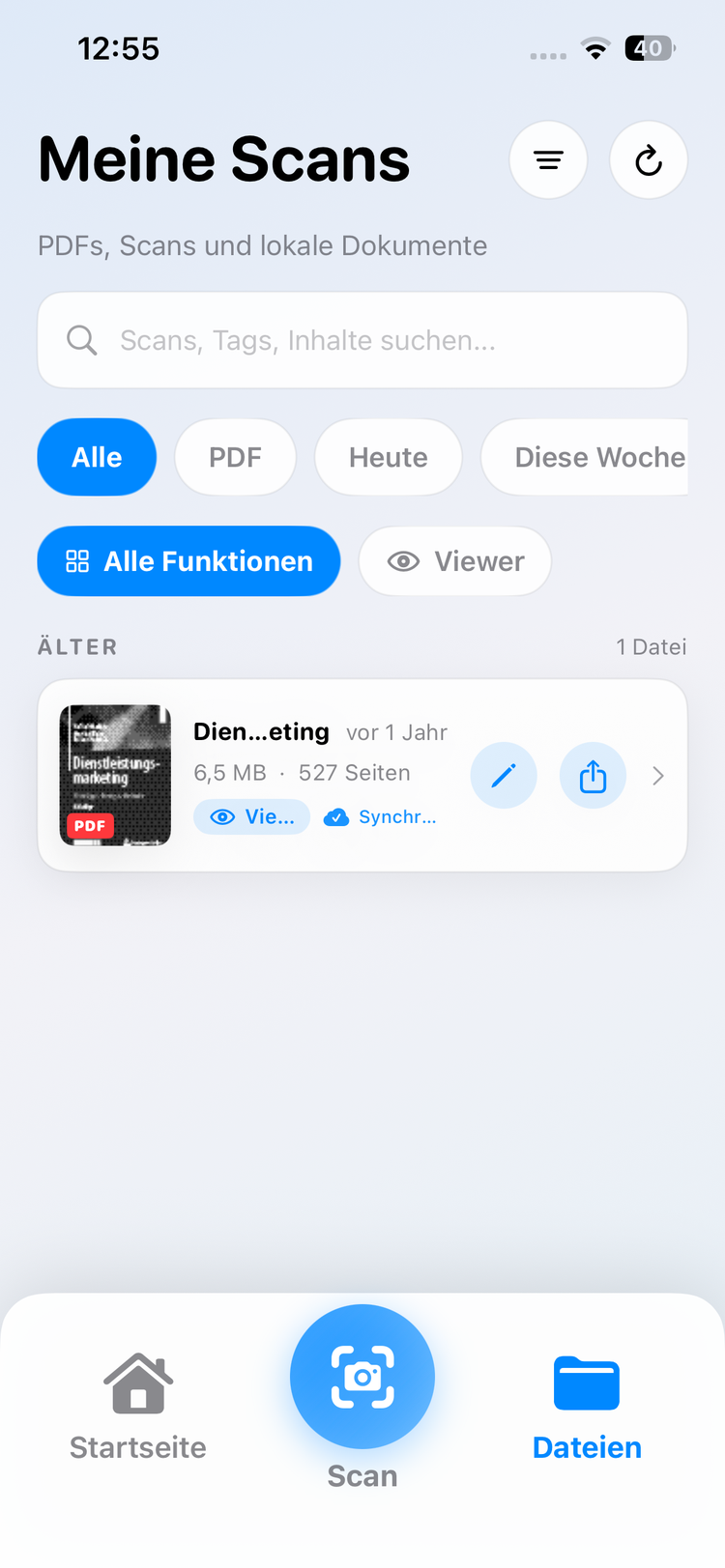
File Management

Manage all your PDFs and documents centrally in the app. Access local files, iCloud and more.

Central file overviewAccess local files & iCloud

See for yourself how
easy it is

From PDF editing to document scanning – experience Clip-PDF in action.

Ponte en
contacto.

¿Preguntas, comentarios o sugerencias? Nos encantaría saber de ti.

Get started with
Clip-PDF

Comienza a editar PDFs profesionalmente en tu iPhone hoy. Gratis en la App Store.

Download on the App Store Get it on Google Play